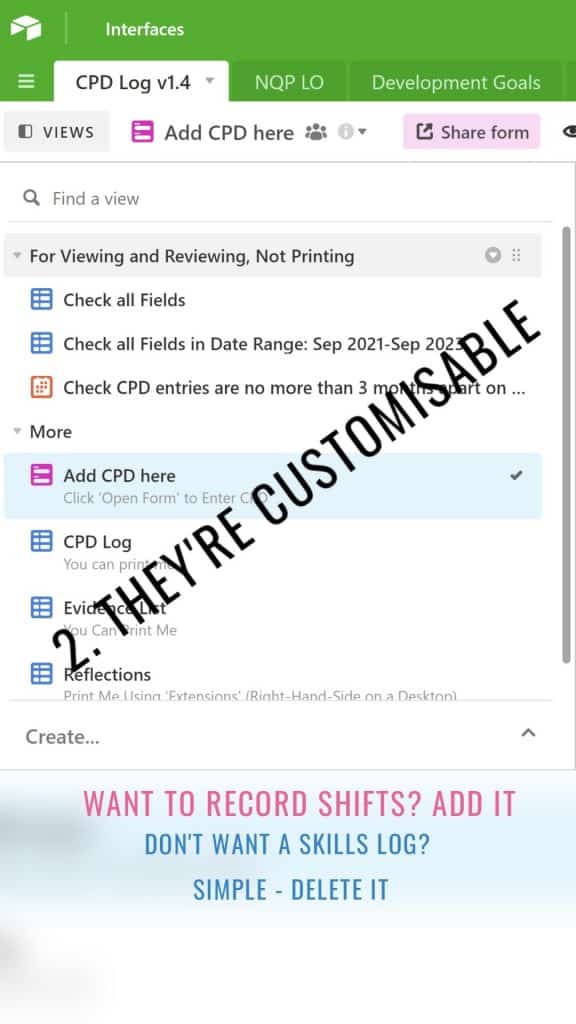
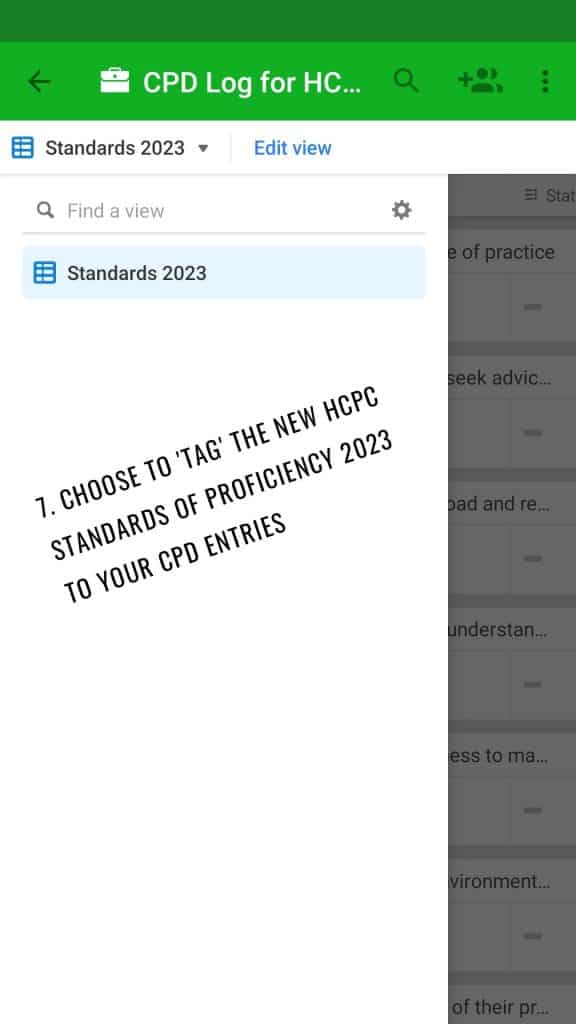
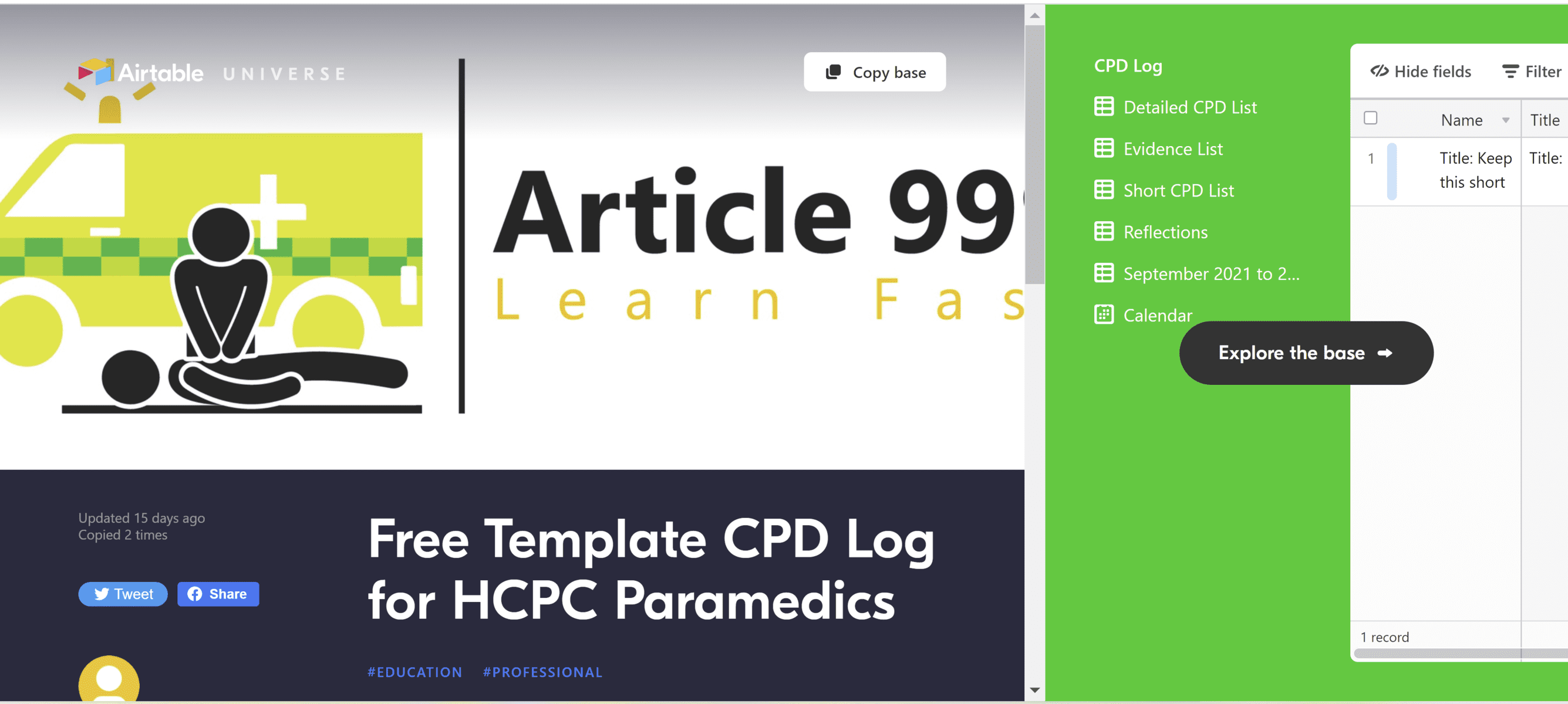
Article 999’s CPD templates are hosted on Airtable and present as a database with an intuitive, simple form. The form allows you to tag your standards of proficiency, standards of CPD, important skills and personal development goals, as well as entering your reflections, uploading your certificates, and logging feedback you have received from others. Each element can then be exported separately, fulfilling triple requirements:
Your personal, searchable storage solution for CPD. Can’t remember when you did X course? Search the database to find the certificate. Can’tremember the last cardiac arrest you attended to, or the last CPD entry you logged? Search the calendar or the database as a whole.
Your CPD portfolio, available on request by link or by export for employers. Note, youmay need to copy and paste elements into a Word document to export.
Your CPD portfolio for HCPC audits. Not everyone knows this, but the HCPC do not want one single document sent to them. They want statements, copied and pasted into their system. They want evidence, uploaded separately, one at a time, into their system. They then want your list of CPD activities uploaded on its own – and they don’t want to read everything. So it’s worthwhile for you to store everything, then when it comes to actually submitting, simply tick next to the entries you want to ‘feature’ – and export those.
I’ll admit, Article 999’s templates probably aren’t a solution for everyone. They are best for you if you are someone who:
has not found a CPD template or storage solution that offers everything that you want.
has previously kept your CPD in organised folders, spreadsheets, OneNote, or an (old) Microsoft Access database – maybe you’ve even had a go at making your own database or spreadsheet.
values being able to store everything – certificates, reflections, skills logs, feedback, and your CPD activities (because after all, these are all CPD activities!) in one place.
values being able to log all of the above from one form – every element mentioned in the point above is a CPD entry, something that is ultimately centered around your CPD.
(Example): If you ask for a list of my CPD I will show you that two days ago I wrote a detailed reflection, yesterday I attended an event that has an attendance certificate, and today I taught airway skills. Today I also had a conversation with a colleague about a clinical subject, and I received some feedback. All of these are CPD activities according to the HCPC, so why should we have to log them all separately?
Article 999 uses Airtable to host its CPD templates. When you join us to use the templates, you will also need to create an account with Airtable. Don’t worry though – all of this is free. And if you’re new to this, simply click here to be guided through it. You can also reach out by email or social media for further support.
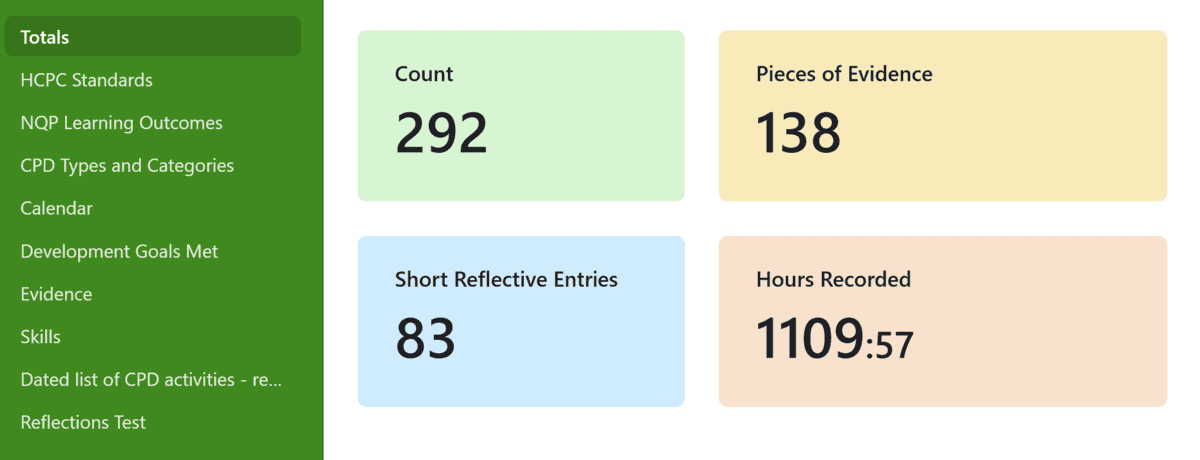
If you’re already using the templates, you might find you are starting to get a ‘reaching plan limits’ message. I am now, so some of you might not be too far behind. Not to worry though, as there is a simple way to overcome this.
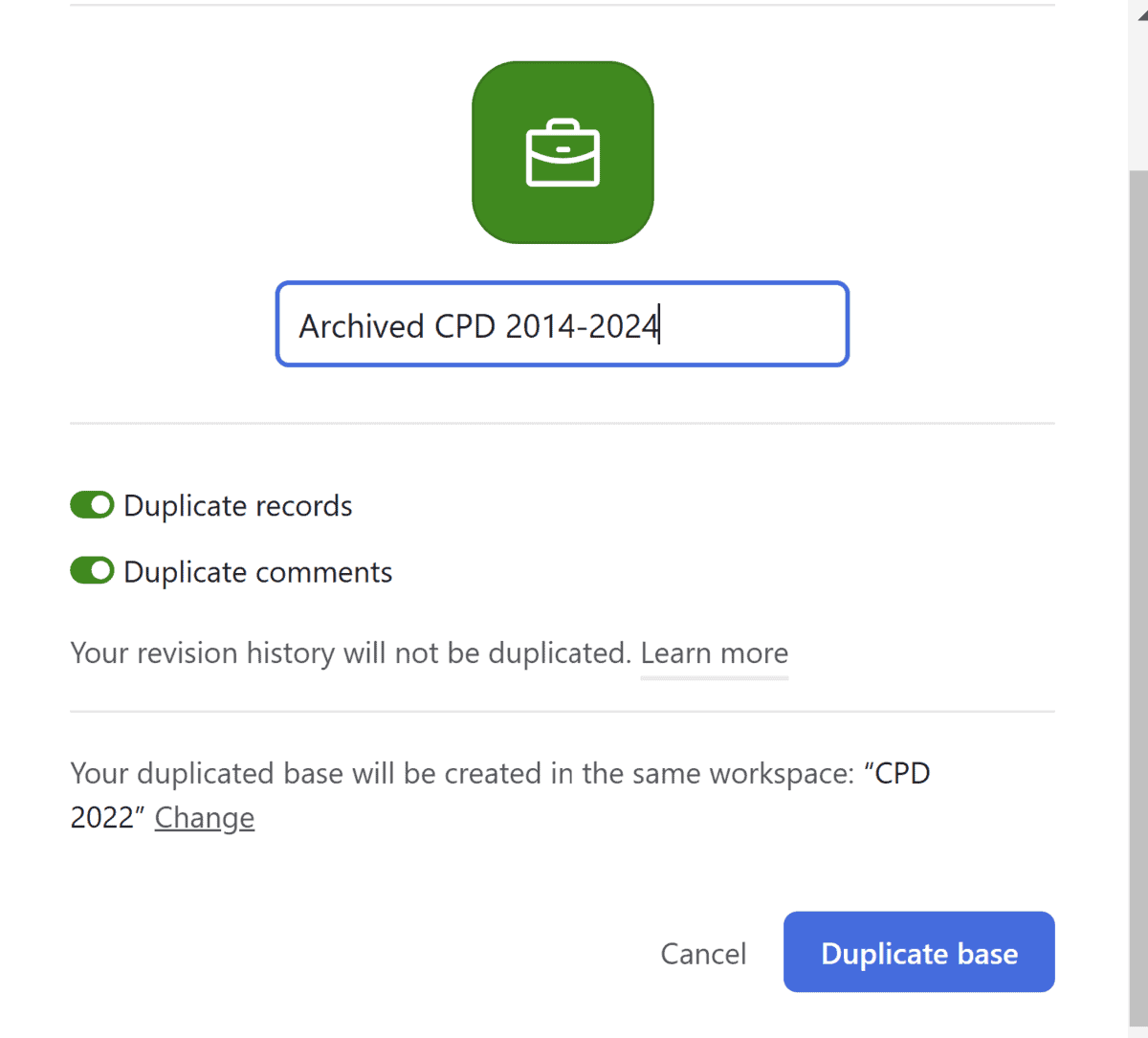
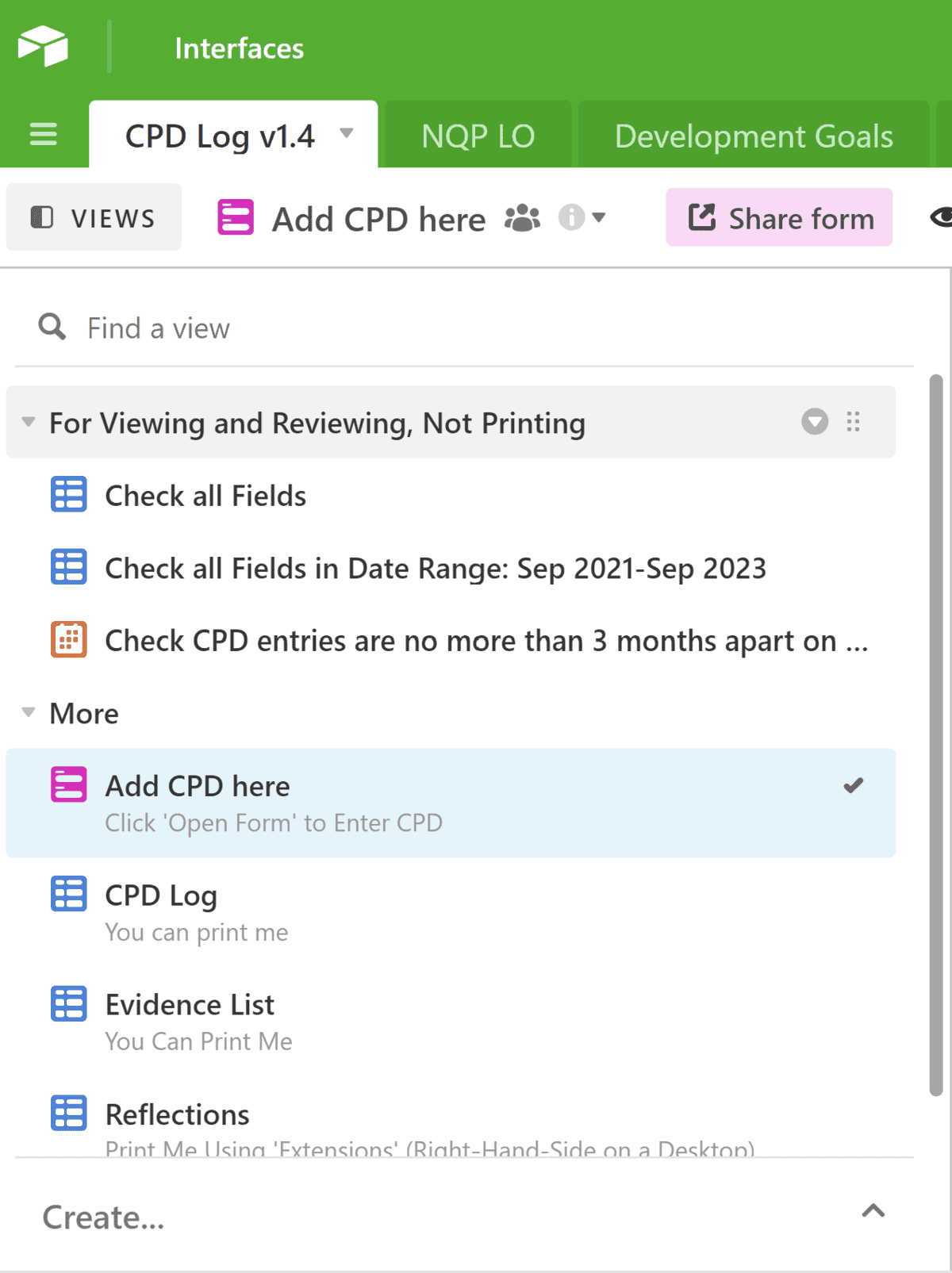
From your Airtable dashboard, click on the three dots next to the title of your database. Click duplicate base. Change the title to something like archived CPD:
Confirm by clicking ‘Duplicate base.’
Now, leave that base alone and head to the one you just copied (the original). Head to your dated list of CPD activities:
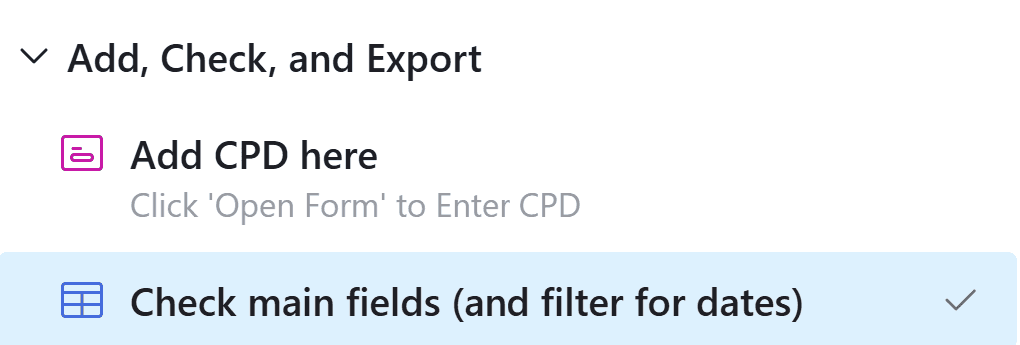
Head to check main fields:
Highlight as many old entries as you’d like (I’d suggest up to just before the current HCPC registration period). Simply hit delete. Nerve-wracking, I know – but remember, you have just duplicated all of this. You’re just deleting the originals.
You do not need to repeat these steps in any other views/tables. You may choose to delete sections you no longer need, including your NQP learning outcomes log.
That’s it! Let me know how you get on and what you think.
Please note: These videos demonstrate printing/exporting the NQP portfolio. However, all portfolios (post-NQP/Non HCPC/NQP) print in the same way. There is simply more to print in the NQP version. Non NQPs can safely skip parts about printing the NQP learning outcomes.
Please also note: The settings in the templates are such to enable printing to work properly and to ensure your NQP learning outcomes are in the correct format. Please do not change the settings, unless I have specifically advised that you can. NQPs, please print your learning outcomes from the given table to ensure your portfolio is accepted. If you are unsure, please do reach out.
00:00 Intro 03:40 Logging CPD 12:50 Editing the Cover Page 14:00 Editing the Summary of Practice History (and checking the word count) 14:47 Adding more category/tag options for your CPD log – using the ‘check all fields’ tab (which is *not* for printing. 17:00 Adding/Editing Development Goals 19: 40 Editing the Statement of How I Have Met the Standards (and checking the word count) 20:10 Checking, and a second way of logging the NQP Learning Outcomes. Searching for met/not met outcomes as well. Use of the signature(s) column(s). 23:00 Checking, and a second way of logging HCPC Development Goals. 24:40 Printing/Exporting How to print/export the: 25:10 Cover Page – Using the extensions tab 28:20 Summary of Practice History – Using the extensions tab 29:14 Dated List of CPD Activities – Checking the fields & word count before printing 32:09 Dated List of CPD Activities – Printing/Exporting the CPD Log 37:40 Evidence List 39:40 Reflections – Using the Extensions tab 41:25 Skills 42:00 Development Goals 43:00 Statement of How I Have Met the Standards 44:01 NQP Learning Outcomes 45:20 HCPC Standards of Proficiency 46:20 Merging the PDFs, Adding Page Numbers, Editing 52:06 NQPs or anyone wanting signatures – How to get your portfolio signed electronically. 54:00 Final bits of advice, references, and support options.
The printing/exporting instructions only:
How to print/export the: 00:00 Cover Page 03:38 Summary of Practice History 04:38 Dated List of CPD Activities – Checking the fields & word count before printing 07:12 Dated List of CPD Activities – Printing/Exporting the CPD Log 12:45 Evidence List 15:00 Reflections 16:50 Skills 17:25 Development Goals 18:28 Statement of How I Have Met the Standards 19:39 NQP Learning Outcomes 20:45 HCPC Standards of Proficiency 22:30 Merging the PDFs, Adding Page Numbers, Editing 27:20 NQPs or anyone wanting signatures – How to get your portfolio signed electronically. 30:00 Final bits of advice, references, and how to seek support.
This help folder is a guide to help you create a CPD portfolio that is ready to submit to the HCPC. Pair this with Article 999’s CPD templates for everyone from first aiders/FREC-qualified staff/EMTs through to NQPs and post-NQPs. These are available from this link.
You will need to set up your own free Airtable account. Then, click ‘copy base’ to add the entire template to your own account. You can then click on the tables and add or edit it as you desire.
Those of you following Article 999 in recent months will be aware of the developments in the CPD templates, which are now for everyone from first aiders/FREC/EMT-level staff through to NQPs and post-NQPs.
Previously, you were asked to have a look at a OneNote ‘help file’ (originally called the portfolio). The latest updates to the Airtable templates mean the file in its previous format is no longer needed, so I have copied the majority of the information here for ease. Simply use this for reference to ensure you understand the process, and to check you have everything you need before you submit.
In this help folder, each tab contains referenced guidance on what is required.
How do I use the help folder?
There are 4 numbered sections that each contain advice for you to read: 500 word summary of practice, dated list of CPD activities, 1,500 word supporting statement, and supporting evidence.
These sections form a template that you are encouraged to copy to meet the HCPC audits. You could copy the layout into your own (empty) folder and fill in the pages if you’d like to customise it all, or fill out the sections in your Airtable portfolio.
The second-last tab contains links to the above documents. Use them to review your folder and check that you meet the criteria.
When you are ready to submit, print/export directly from Airtable (choose the ‘save to pdf’ printer option if you don’t need a paper copy), then use Adobe’s free online merger tool.
What if I’m using an older version of the templates?
Please get in touch with a screenshot of your CPD template number or the date you first started using it. I’ll personally update your version to the latest one.
References
This help folder has been produced with reference to the following:
[tabby title=”1. 500 Word Summary of Practice History”]
You are expected to write a 500 word summary of your practice history – i.e. what your role is and what you come across within that role. You can use your official job description for ideas, but think along the lines of:
Patient groups (ages/health conditions) – it’s worth mentioning who your service users are and who they could be if you intend to change roles. Later, you’ll justify whether your CPD has benefitted your service users (standard 4)
Please follow the information on our CPD template page here. You will need to set up your own free Airtable account. Then, click ‘copy base’ to add the entire template to your own account. It is now yours and you can start logging CPD.
This is important:
All of your activities should meet standard 2 – they should be relevant to your current or future practice, and they should be a mix of different types.
No gaps of more than 3 months without an explanation
How much stuff?
The HCPC do not request a number of hours and do not record CPD points.
You need to show a continuous record, with unexplained gaps of no more than 3 months, but beyond that there is no requirement for doing a certain amount of CPD.
As long as you have a combination of CPD activities, some (the ones you specifically mention in your statements) are evidenced, and you meet the HCPC standards, you should have enough content.
If you want clarification/reassurance about what should be in your portfolio, here is some info on how it should look:
How should I display the dated list of CPD activities?
Use any format you wish for this. This may be a report produced by a CPD app, or your own Excel/Word/Access database.
What content should be in it?
Date
Title of activity
Type of activity
Tick boxes to show the activity meets standards 3 + 4
Page number reference for any evidence/attachment
You may wish to include a comments box or short reflection (what/so what/now what) to explain how each activity meets standards 3 and 4 or what you have gained from doing each activity.
Reference (optional; if relevant)
Development goals (optional; you may find it useful to keep a log of how your activities are meeting your own career development goals).
Time spent on activity (optional; may be useful for you to record)
[tabby title=”3. 1,500 word supporting statement – How I Have Met the Standards”]
How long should the supporting statement be?
Up to 1, 500 words.
What’s it about?
The below is summarised from Clarke, 2020 & HCPC, 2017 (references below).
This is a supporting statement that should explain how you have met standards 3 + 4 by completing your CPD activities. Focus on what you have gained from your CPD activities, and on what the service & patients gain from your learning. Focus on 4-5 CPD activities and ensure these are different types. It’s best to use activities that you also have evidence and/or reflections for, then reference or quote from these. Link in your personal development goals as long as they don’t distract from the bold bits above.
Standards 1 and 2 should be mentioned but are met by completing your CPD portfolio properly, as requested by the HCPC.
The statement should also explain how you have met your development goals. These goals should include your ‘learning needs’ (HCPC, 2017). By discussing how you have met these goals (i.e. how have your CPD activities been relevant to your current and future work), you’ll be adding further evidence to Standard 2.
What are the HCPC Standards?
Standard 1 – Maintain a continuous, up-to-date and accurate record of my CPD activities
Standard 2 – Demonstrate that my CPD activities are a mixture of learning activities relevant to current or future practice
Standard 3 – Seek to ensure that my CPD has contributed to the quality of my practice and service and delivery
Standard 4 – Seek to ensure that my CPD benefits the service user.
Standard 5 – Complete and submit a CPD profile, and evidence of your CPD, when asked
These are activities you have ‘written about in the profile’ (HCPC, 2017) – i.e. not all activities, but you must include the ones you choose to specify in your statement.
Evidence types that are suggested include:
development plans
certificates
reflections
meeting notes
feedback from peers or patients (including compliments, where these are confidential)
Note that development goals are printed separately from Airtable but do count as part of your evidence.
You can use the Airtable template to print a contents page of your evidence (all CPD entries that you have attached evidence to).
To attach your chosen 4 pieces of supporting evidence (I like to call them ‘featured’ evidence), simply print them directly from Airtable:
More details can be found there, including an appendix of a variety of evidence types if you are looking for ideas.
[tabby title=”Detailed Reflections”]
Detailed reflections may be used as evidence – Within the Airtable database, Rolfe et al’s (2001) reflective model is used. But the HCPC don’t prescribe any specific model. You could use any you prefer, including Gibbs or John’s (below).
John’s model:
Description of the experience
Reflection
Influencing factors
Could I have dealt with it better?
Learning
Appendix
References
Here’s a good pocket book for finding reflective models that might be lesser known but more useful to you:
[tabby title=”Review CPD Prior to Submission”]
Those familiar with the OneNote version of this help file will know that file printouts of 2/3 of the below are available there. In this version, I have added the three references as links. I’ll always recommend reading these before submitting your portfolio as evidence to ensure you understand the process and have been thorough in your preparation.
Here is the full video on how to use v1.6 of the CPD templates:
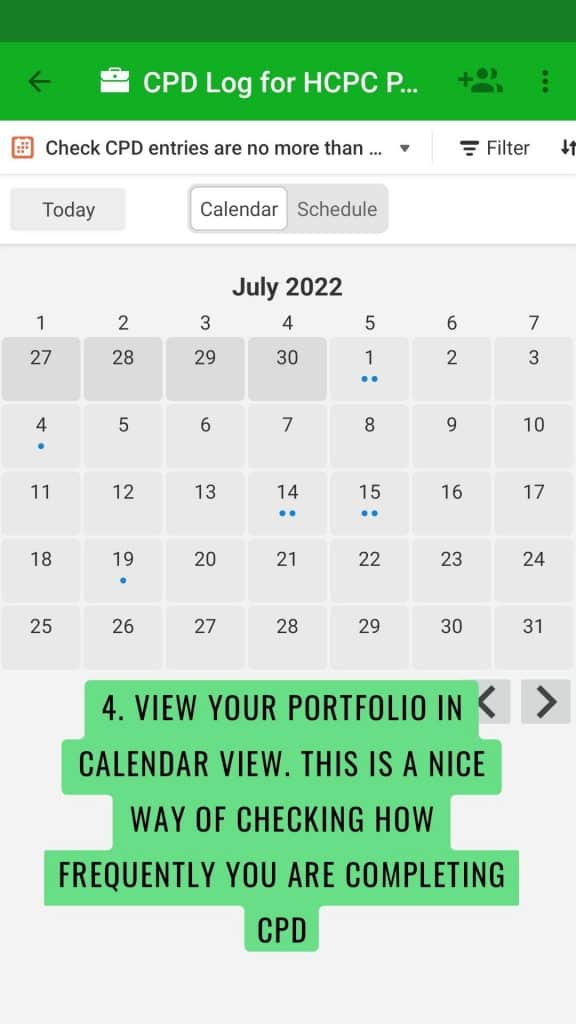
Don’t forget, there is a calendar in the templates as well, which are available for you to check you haven’t left gaps of 3 or more consecutive months without an explanation. The skills calendar is available so that you can check how often you are completing skills.
For more information about the templates, and to book a 1:1 Teams appointment for additional support, please see this page.
If you are just looking for a printing/exporting guide, please click on the next tab.
[tabby title=”Printing/exporting guide”]
Printing/Exporting
Here’s a basic list of the order to print and export your CPD portfolio in:
The Cover Page
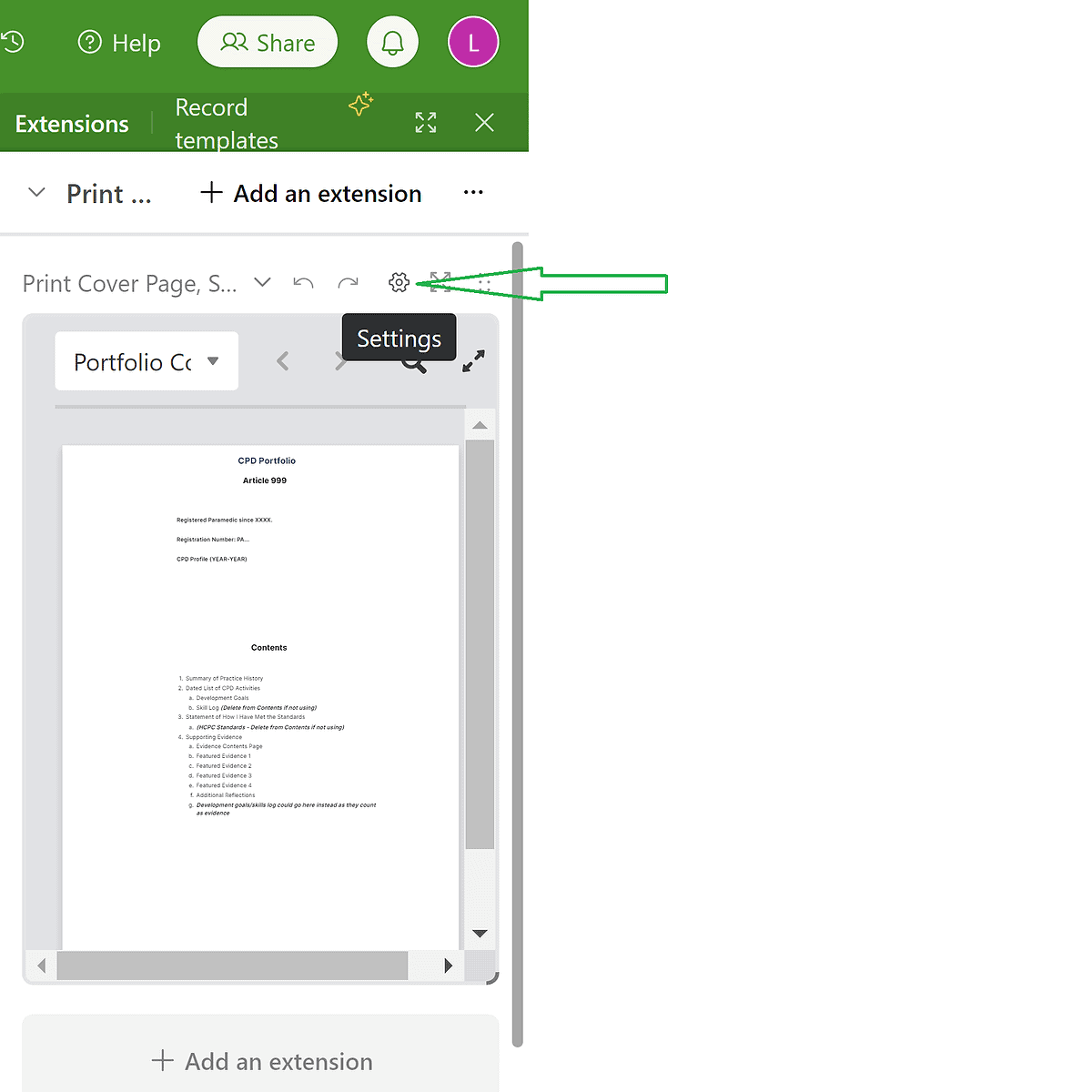
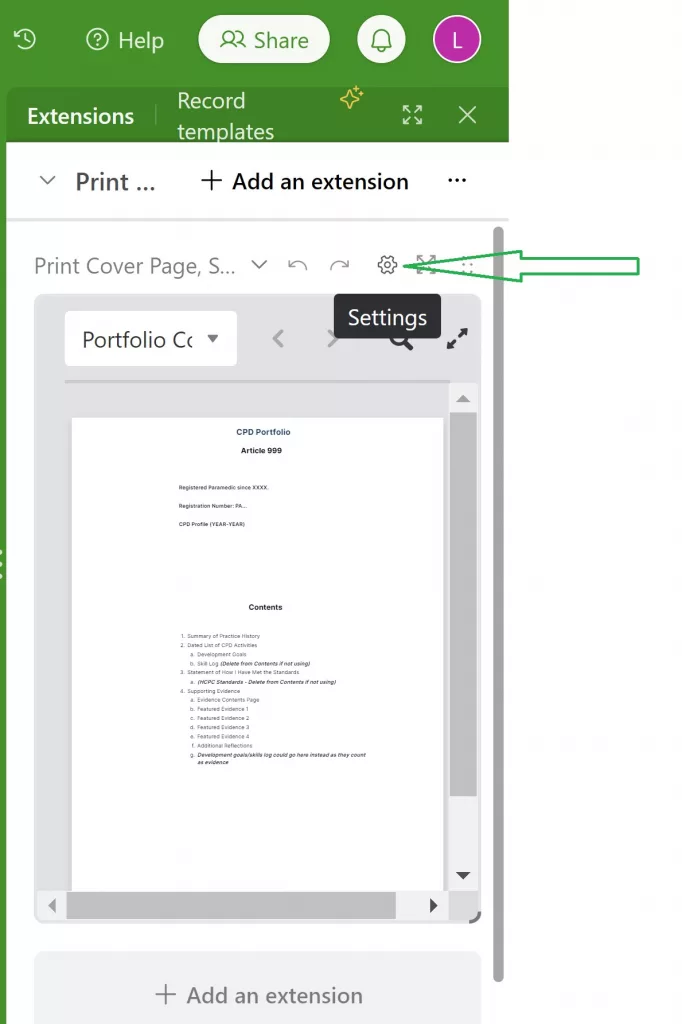
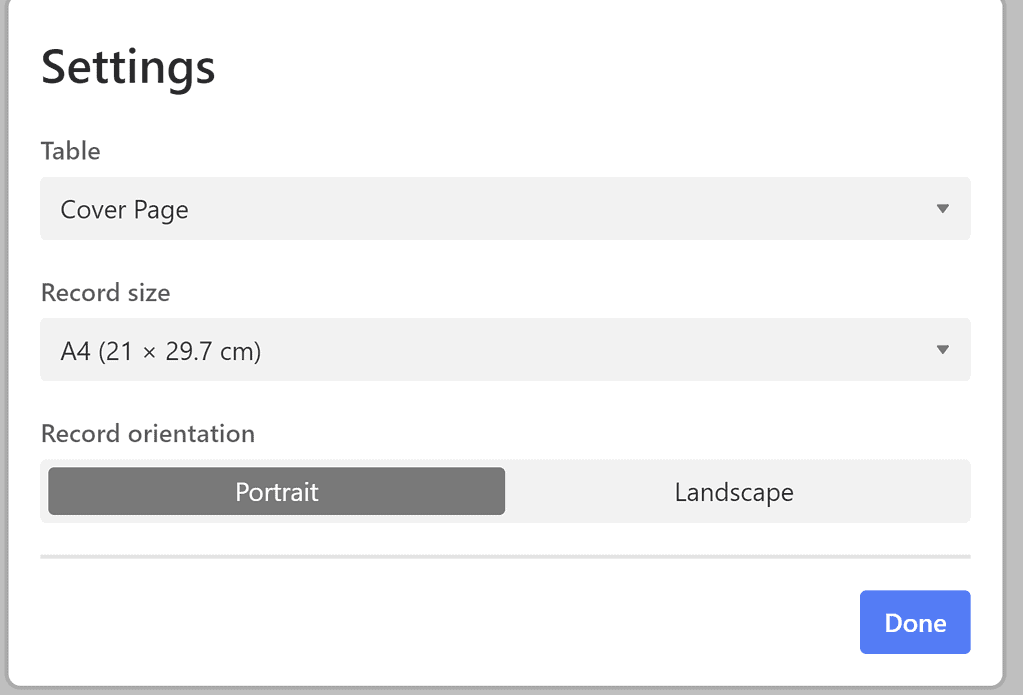
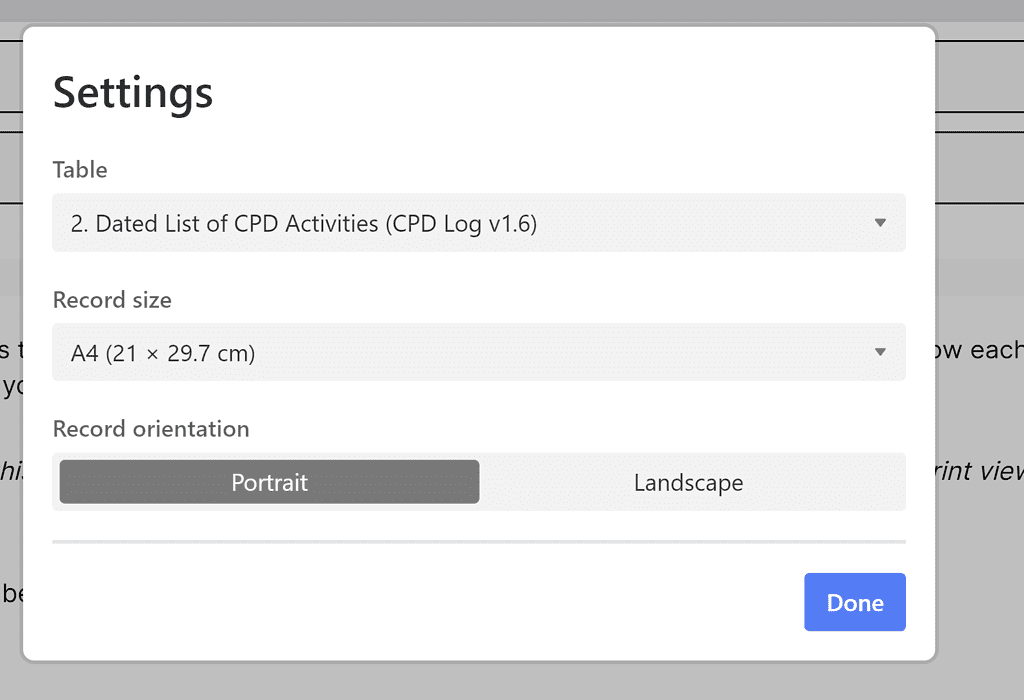
Print this using the ‘extensions’ tab on the right-hand-side of the page. Ensure the correct table is selected by clicking the settings button and selecting the chosen table:
Settings button within the extension tab.Settings option
Click done, then print, then print again. Set your destination as your chosen printer, or print to pdf. Click save, and save this file in a folder on your computer.
2. The Summary of Practice History
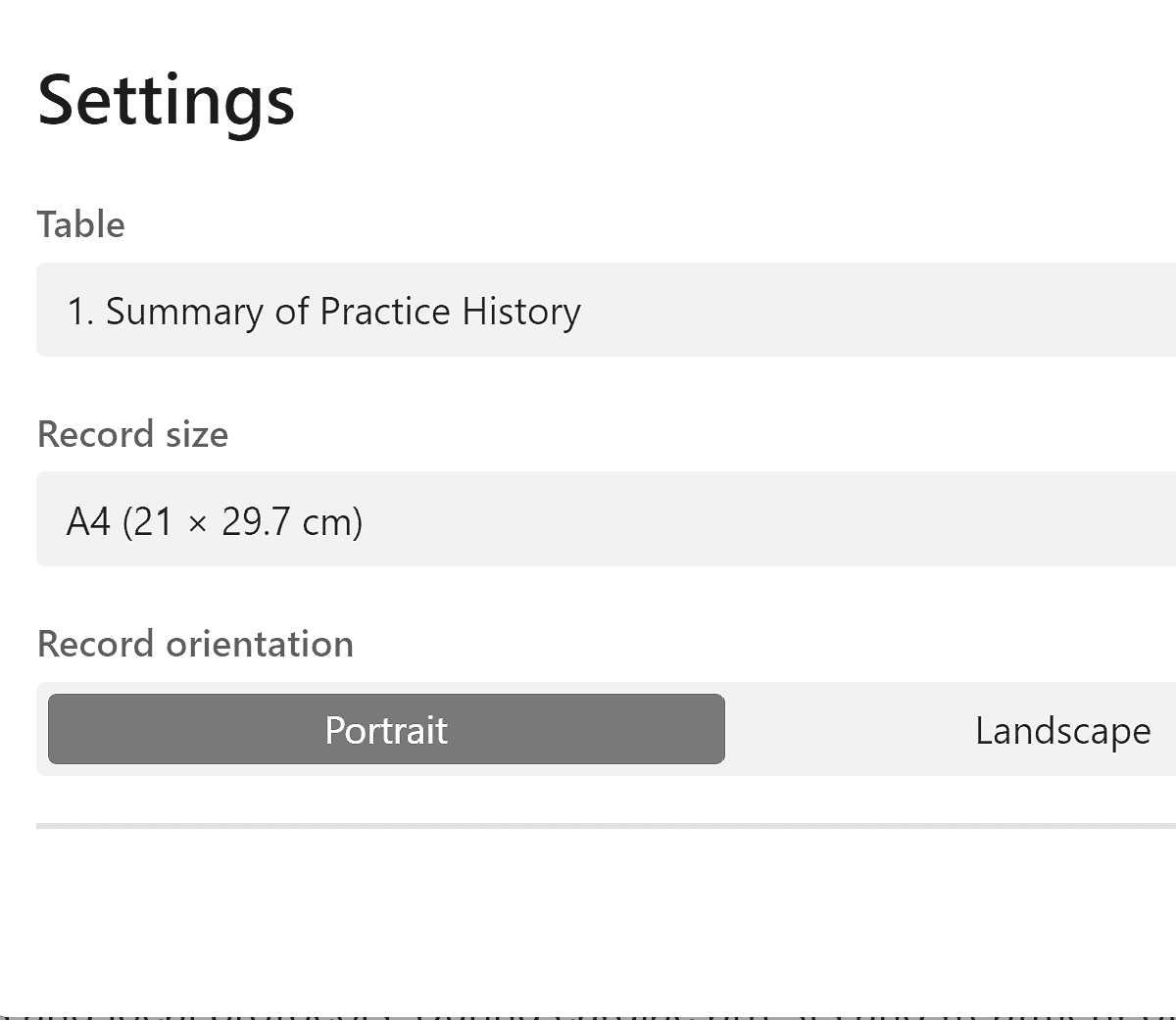
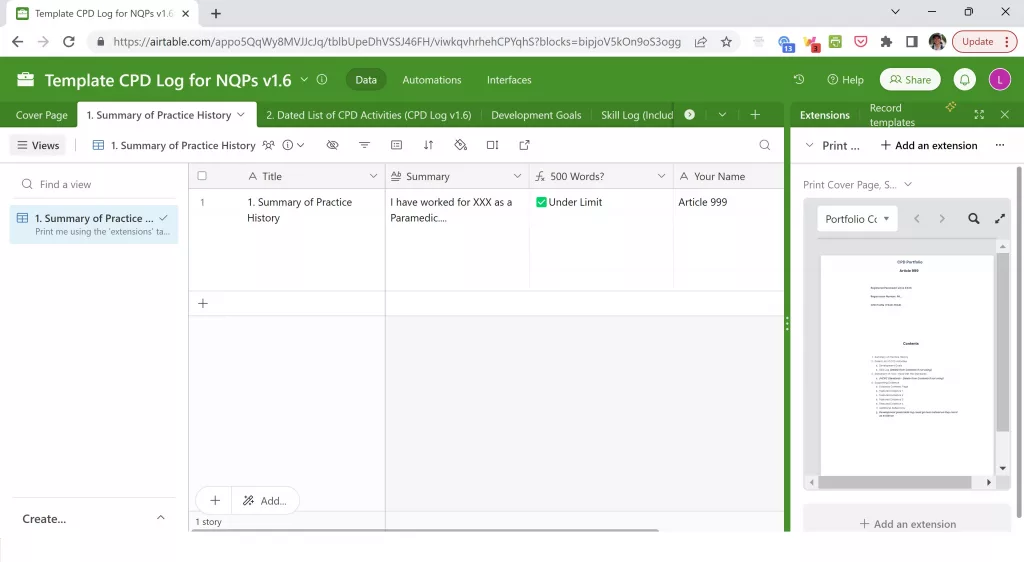
This should be printed using the same tool, above. Select from the settings the correct table (1. Summary of Practice History). Repeat the instructions above.
3. The Dated List of CPD Activities
There are a few things to print here:
The CPD log
Evidence List
Reflections
Skills
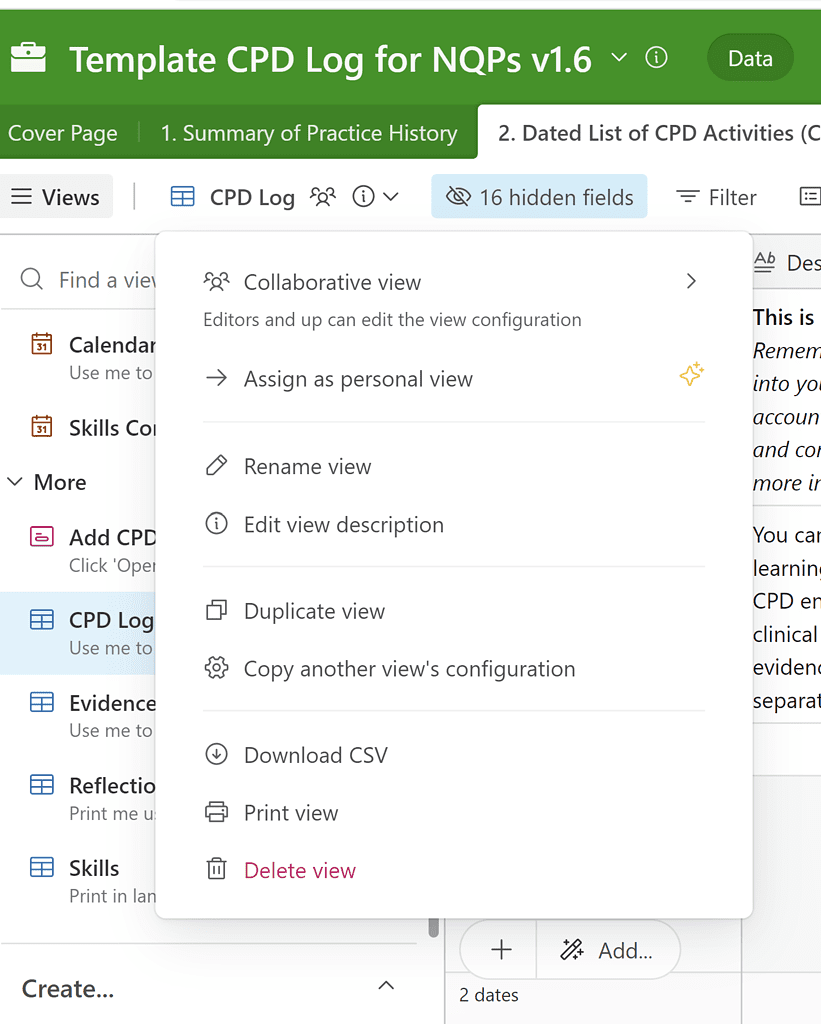
To print the CPD log, select the table, then select the title, and choose print view from the list:
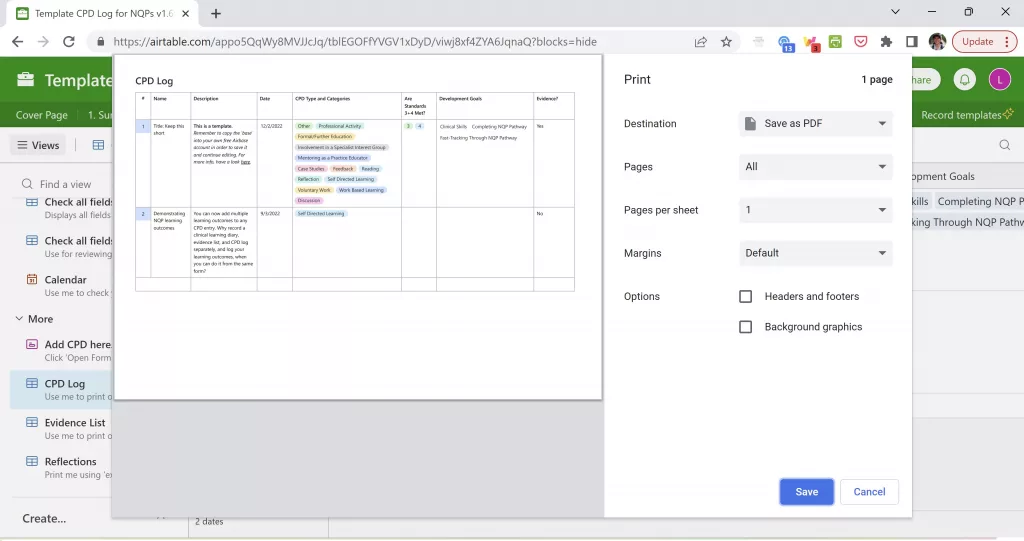
Check the settings show: landscape, actual size, small, and that all other options are turned on. Select print. Choose your printer option – or save to pdf – and print/save. Ensure the ‘headers and footers’ option is turned off in your browser printing settings.
The evidence list and skills tables prints the same as the above – repeat the instructions
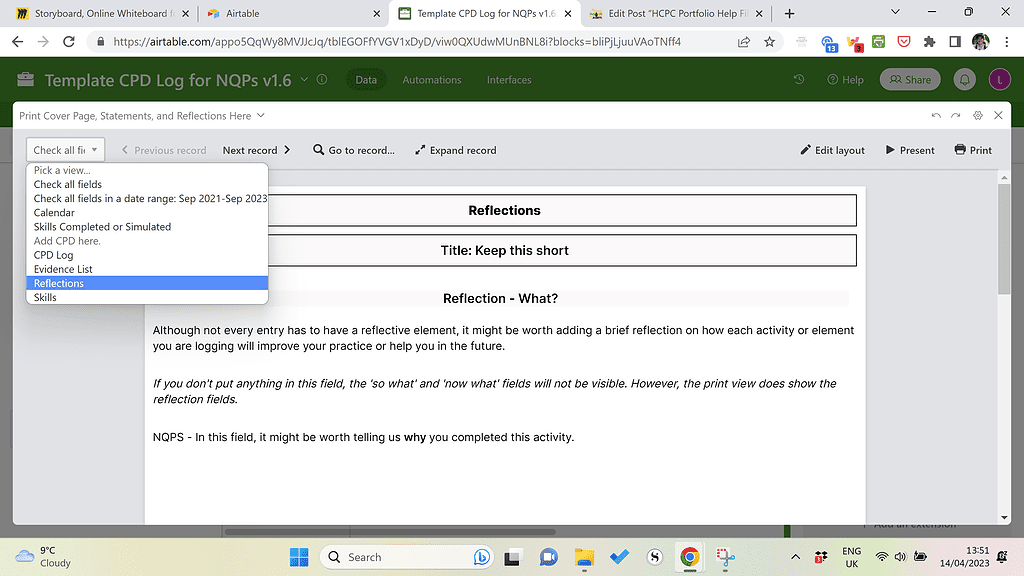
The reflections table prints using the extension on the right-hand side. Select the settings icon as shown above, then the following:
4. Development Goals, NQP Learning Outcomes, and HCPC Standards of Proficiency print the same way the CPD log, evidence list, and skills do. Repeat those instructions above to print these.
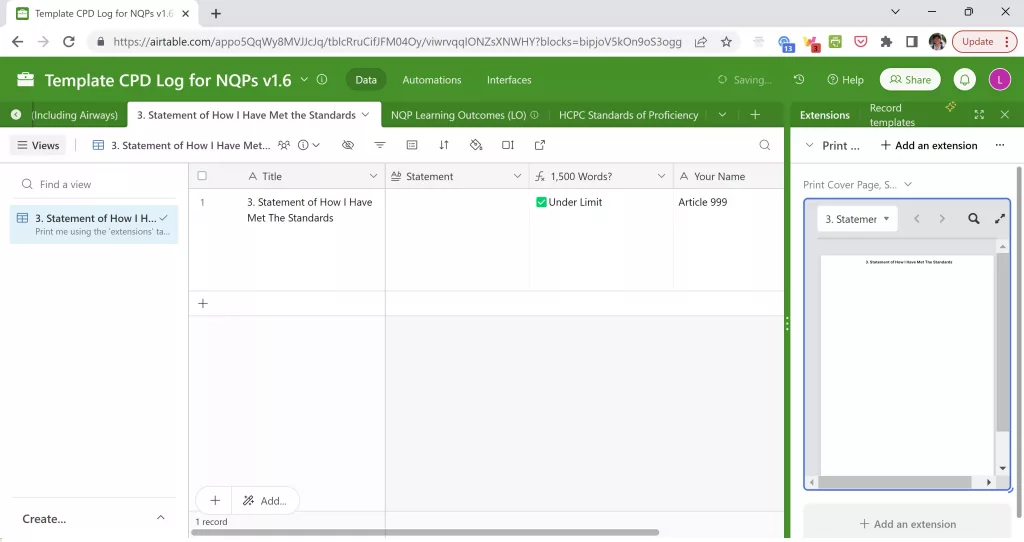
5. The Statement of How I Have Met the Standards prints the same way the reflections, cover page, and Summary of Practice History does. Repeat those instructions to print this, ensuring the correct table is selected in the extensions tab.
To summarise, you should end up with 10 PDFs or printed documents if you are printing/exporting every option available. These should consist of:
6 that have been printed using the ‘print view’ option, in which you simply print the same table that you see.
4 that have been printed using the ‘extensions’ tab on the right-hand side, in which you print 1 page per entry (1 page per reflection, 1 cover page, 1 page for each statement).
Merging the PDFs
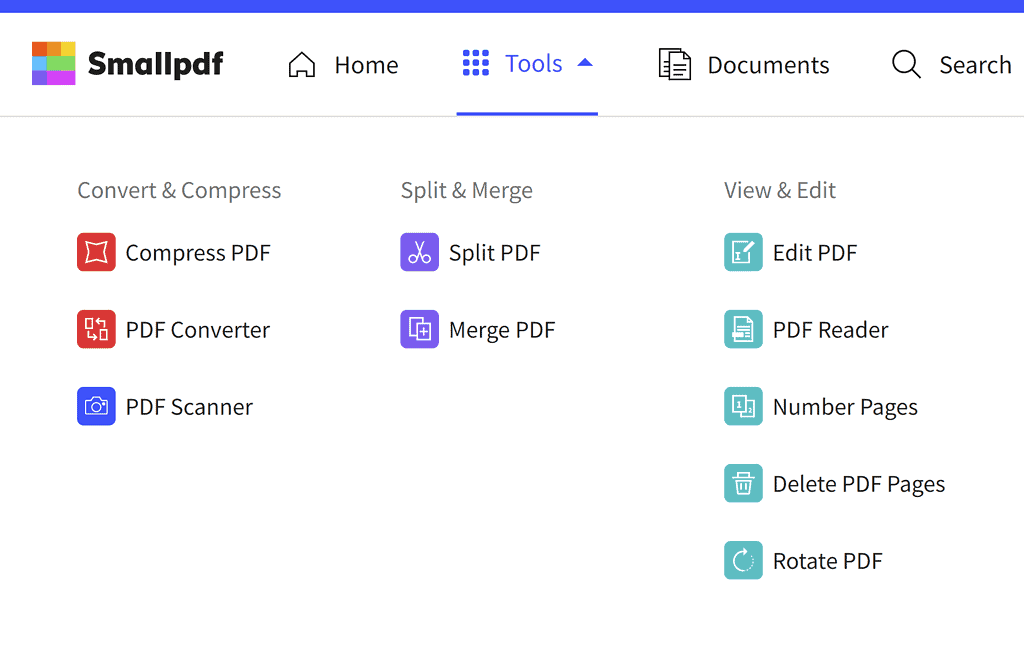
To merge your files, please use your favourite merger tool or https://smallpdf.com/, which is a free website/app for Windows and Mac users. Ignore anything on this site that says you need to sign up for this trial. Press the x to get out of any pop-up that insists on this. Please do the following:
Upload the files to the merge PDF section, and order them accordingly.
Download this file
If you would like page numbers in your file, please use the number pages option in the tool menu. To use this, click on it, upload the merged document, allow it to number pages, then download the new document if you are happy with this.
If you are not happy with the finished version, click on the edit pdf option to delete any blank pages or re-order accordingly.
When you are happy, download the final version. Try not to experiment with multiple downloads as smallpdf has a daily download limit.
Electronic Signatures?
If you are an NQP and you would like electronic signatures for your learning outcomes (and your Trust is happy with this), send the completed document to the person marking your portfolio and ask them to sign in the signature column, in the NQP learning outcomes section, using Adobe Acrobat (free). They can then send this completed version back to you. And voila, we have electronic portfolios!
Prefer to Watch This? Here’s a Video:
[tabby title=”Preview the final portfolio”]
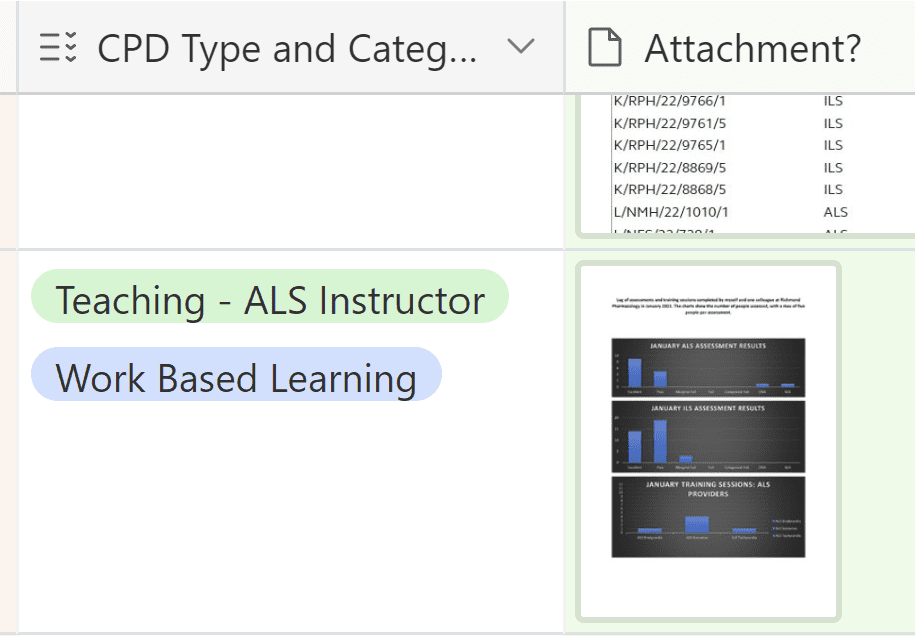
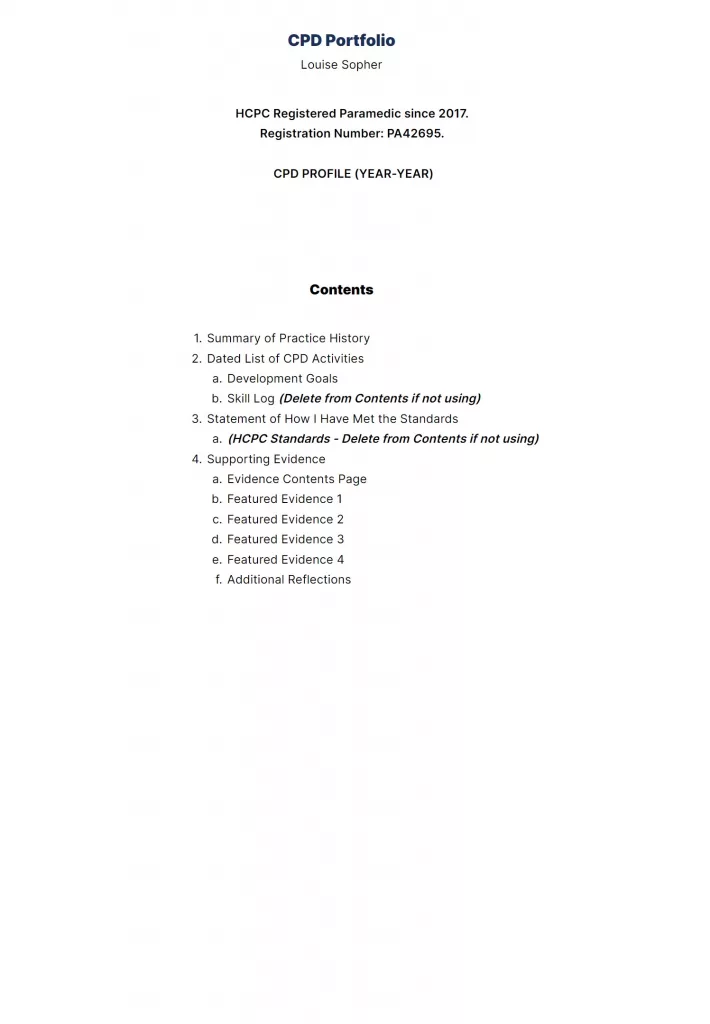
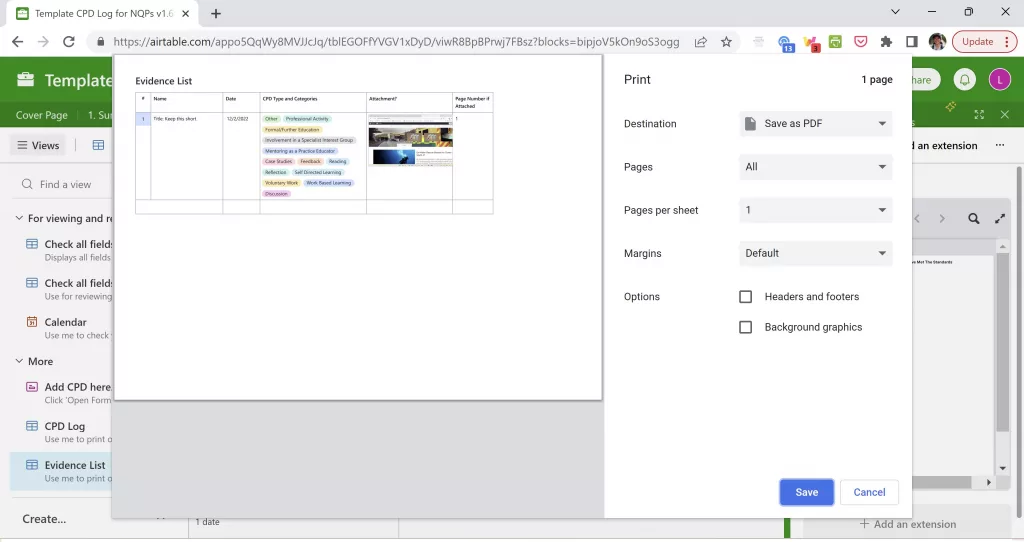
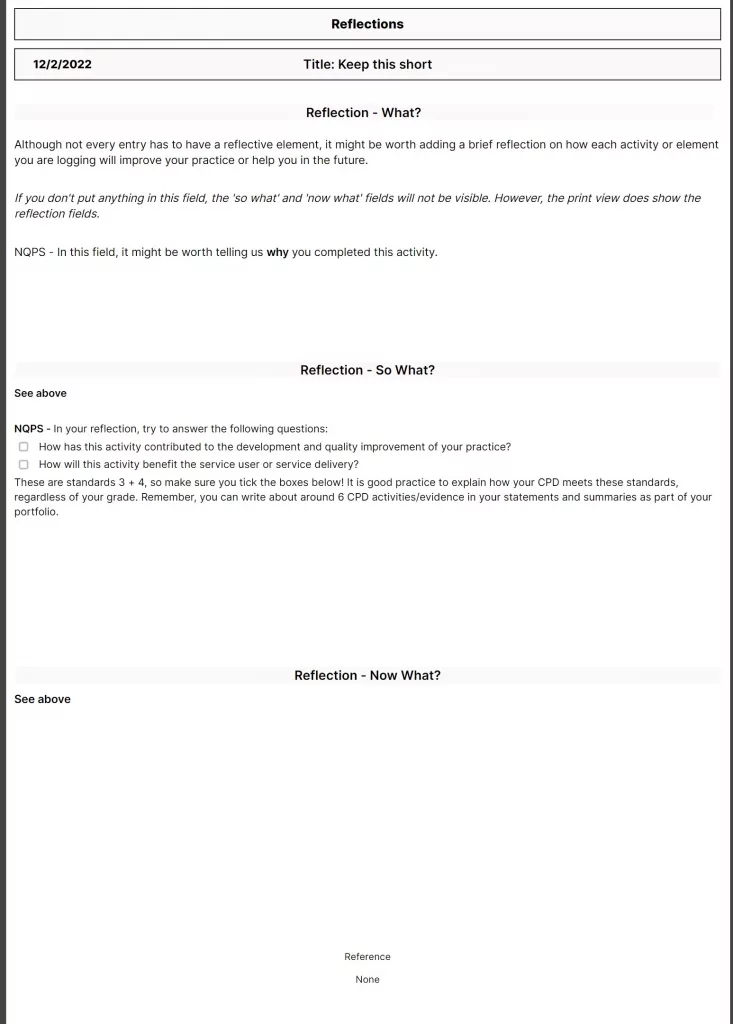
The cover page will print on one A4 pageThe summary of practice history will print one one A4 page using the extension tab on the right-hand side. Click on the settings icon to navigate between the cover page, summary of practice history, statement of how you have met the standards, and reflections (within the dated list of CPD activities). Settings button within the extension tab.When printed in landscape, this is how the CPD log will look. You can set your destination to ‘save as PDF’ if you would like to export it. The yes/no to evidence column acts as a reference to your evidence list. The statement of how you have met the standards will print on one A4 page using the extension tab on the right-hand side. The evidence list can be found within the dated list of CPD activities section and printed in landscape or portrait mode (some adjustments to the size of the columns may be needed when printed in portrait mode). This list will contain a title, date, the CPD categories/type, and a thumbnail of any evidence attached. The page number column is optional and may be used if you choose to print your evidence separately in larger images. Remember, you only need 4-6 pieces of evidence, so it may be useful to feature your evidence in a larger format. Clicking on the image will expand it in a PDF format, which can then be saved/printed. Finally, reflections can be printed using the extensions tab and ensuring your dated list of CPD activities is selected, and the ‘view’ is highlighted to be reflections. These print on one A4 page as shown above. Try to write more than a few lines so it presents nicely – but less than the word count shown in your portfolios. More on this in the video guides (v1.6 guide coming soon).
If you are exporting your portfolio to PDF, choose to print, then ‘save as PDF’ as your printer type. You will end up with several PDFs that will need to be merged using your preferred tool. I am now recommending the smallpdf website/app. This app also allows you to number PDF pages and edit the final version (delete pages you don’t want, etc) for free. Downloads have a daily limit, so be sure to only download when you’re happy it’s ready.
If you are a NQP who would like electronic signatures on your portfolio, you can then send your portfolio to your mentor/manager and ask them to fill in the signature column using Adobe Acrobat (free). They can then save and email this final version back to you.
Need help or more info, or want to go ahead and get started? Great, head here for the details.
After lots of painstaking work, the latest versions of the CPD logs have now been published. These contain the following improvements:
An improved layout
Improved printing options, especially for reflections
A reduced word count for reflections – this helps with printing. Any longer reflections should be uploaded as attachments.
The option to add dates for created/completed to your development goals, as well as reasoning and uploads.
The option to log airway and other skills we don’t do as often, e.g. IO. You can print this log separately.
If you are already using the templates, you won’t see these new changes. Please don’t worry – you can still preview the changes, contact me to ask me to make the changes, or stay tuned here for more info on how to make these changes yourself.
Free CPD Log Template – All you need is a free Airtable account. You can then copy and paste this ‘base’ into your own account, and make it your own.
Update Jan 2023: Please head here for the most up-to-date information. The latest version of the templates is v1.5 (published in August 2022), and is also available via the links below.
If you are using an older version of the templates and wish to update yours, please contact me for free support, attaching a screenshot of your version number (or the top-left corner of your template if there is no version number). Happy to help.
This is a template log to help you meet your CPD and audit requirements. If you set up your own Airtable account, you can copy the ‘base’ (the whole thing) to your own account and then make it your own.
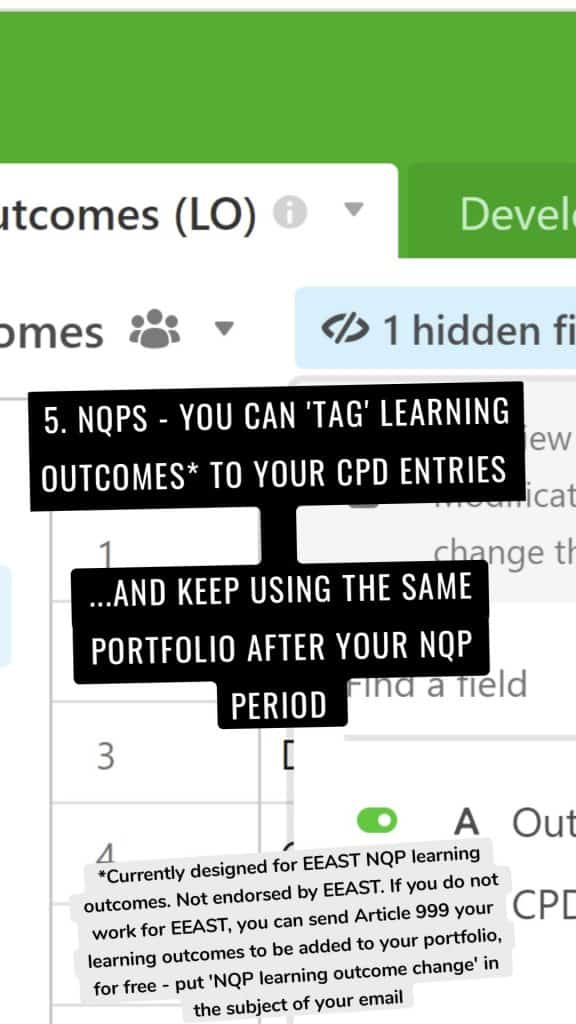
NQPS – If you are an NQP, follow this link instead. The NQP CPD log contains a list of learning outcomes so that you can match your evidence to them. It also contains additional tips throughout the reflection fields to ensure you are meeting the requirements. Do check the learning outcomes are the same for your own Trust’s version of the NQP portfolio though. (For EEAST staff, this should meet your needs**).
Both bases should meet the requirements for a free Airtable account, which means that unless Airtable change what we can do with free accounts, this should be free forever. More importantly, unlike with my alternative CPD log in MS Access, you can continue adding to your CPD log via an online form or the Airtable app.
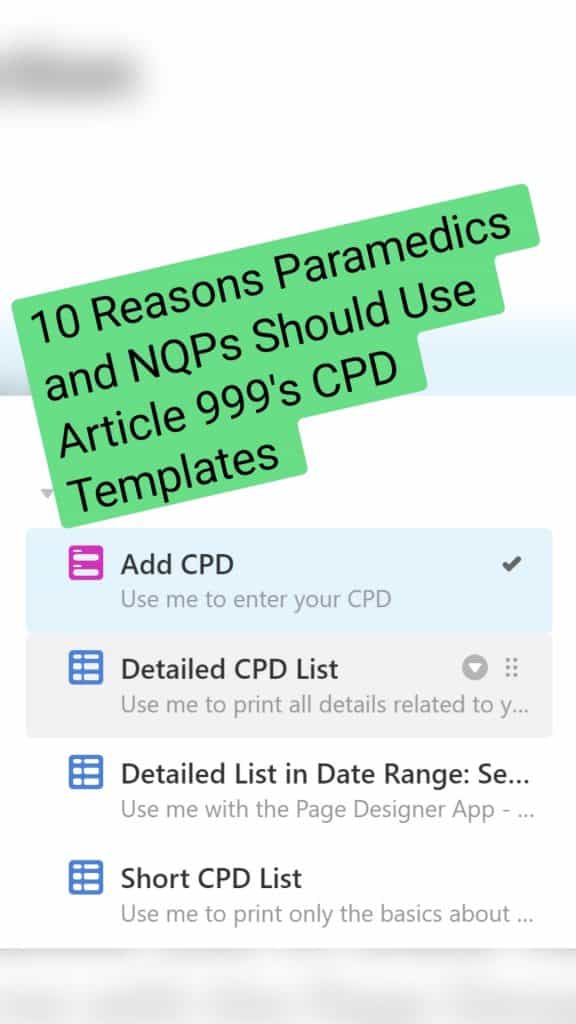
You will now see multiple tables on the left-hand side: detailed CPD log, short CPD log, reflections, and evidence list. The detailed one contains all fields and must be used in combination with the Page Designer on the right-hand side. The short CPD log contains minimal information but you can click on the table, then go to print view, and print this simple list of your CPD activities.
You could then choose to use this short log in combination with the evidence log – which is effectively a contents page of the evidence you have attached, with their relevant page numbers. These page numbers should link to the order of your portfolio, and your evidence should be written about in your statement. The reflections show all entries that have reflective entries. Feel free to experiment with print views until you have found a way that works for you.
Combine this with a template portfolio
Don’t forget, there is also a template portfolio to help you meet all other aspects of the HCPC requirements – specifically the statements – follow this link for that.
Why it’s useful:
I’ve designed the ‘Add CPD’ form to allow all relevant info to be added in the same place. No one likes multiple different forms.
Categories are colour coded. Fields are optional– add as much or as little info as you wantThe optional reflection fields expand if you enter something in ‘Reflection – What’Tick the HCPC Standards that your CPD entries need to meet.
Many other CPD templates insist on asking us to tick all five standards for every entry we submit. I don’t see the need for this. Here are the summarised HCPC standards and my reasoning for adding (or not adding) them to this form:
Maintain an up-to-date log of activities – we do this every time we fill in the form, and we’ll refer to it in the statement that accompanies the log. There is no need to tick a box about it every time we submit an entry.
Complete a mixture of learning activities related to our practice – This should be discussed in the statement that accompanies our CPD log. It should also be demonstrated when we select a variety of categories in our entries
Ensure CPD contributes to quality of practice and service delivery – This one is a good reminder for each CPD entry, so is included in the form above.
Ensure CPD benefits the service user – Likewise here.
Present a written profile – Met by completing the profile that accompanies the log. More guidance here.
You can add additional information such as a page number that refers to your portfolio of evidence, a reference, and your own development goals. These may help you to focus your CPD on key areas and to find related information at a later date. It’s also important to categorise your CPD so that the HCPC can see you are varying your learning. Update Jan 2023: The latest version of the templates (Aug 2022 – v1.5) looks a little different to this but should print better. Check it out and let me know what you think.
The print options are also versatile. You can choose to print one CPD entry per page, with all accompanying information present. Alternatively, you could print a list of any CPD that has accompanying evidence (above)…Update Jan 2023: Printing is now a little different in v1.5 (Aug 2022) and there is guidance on this within the template. I recommend printing a summarised CPD log, followed by an evidence list (including thumbnails of attachments), reflection log, and any additional pages such as your development goals. … and a basic list of yourCPD activities…...and all the entries that are accompanied by reflections…….and all of the above can be filtered according to a date range so that you only export/print recent activities. Remember, in Microsoft you can change your printer to ‘print to PDF’ if you only need an electronic export of these files.
Most importantly, the template is free for as long as Airtable allow us to have free accounts. Update Jan 2023: Airtable say they do not envisage this disappearing. Yay!