Want to give Article 999’s CPD templates a go? You’ll need a free Article 999 membership, and a free Airtable account. Find out everything you need to know here.
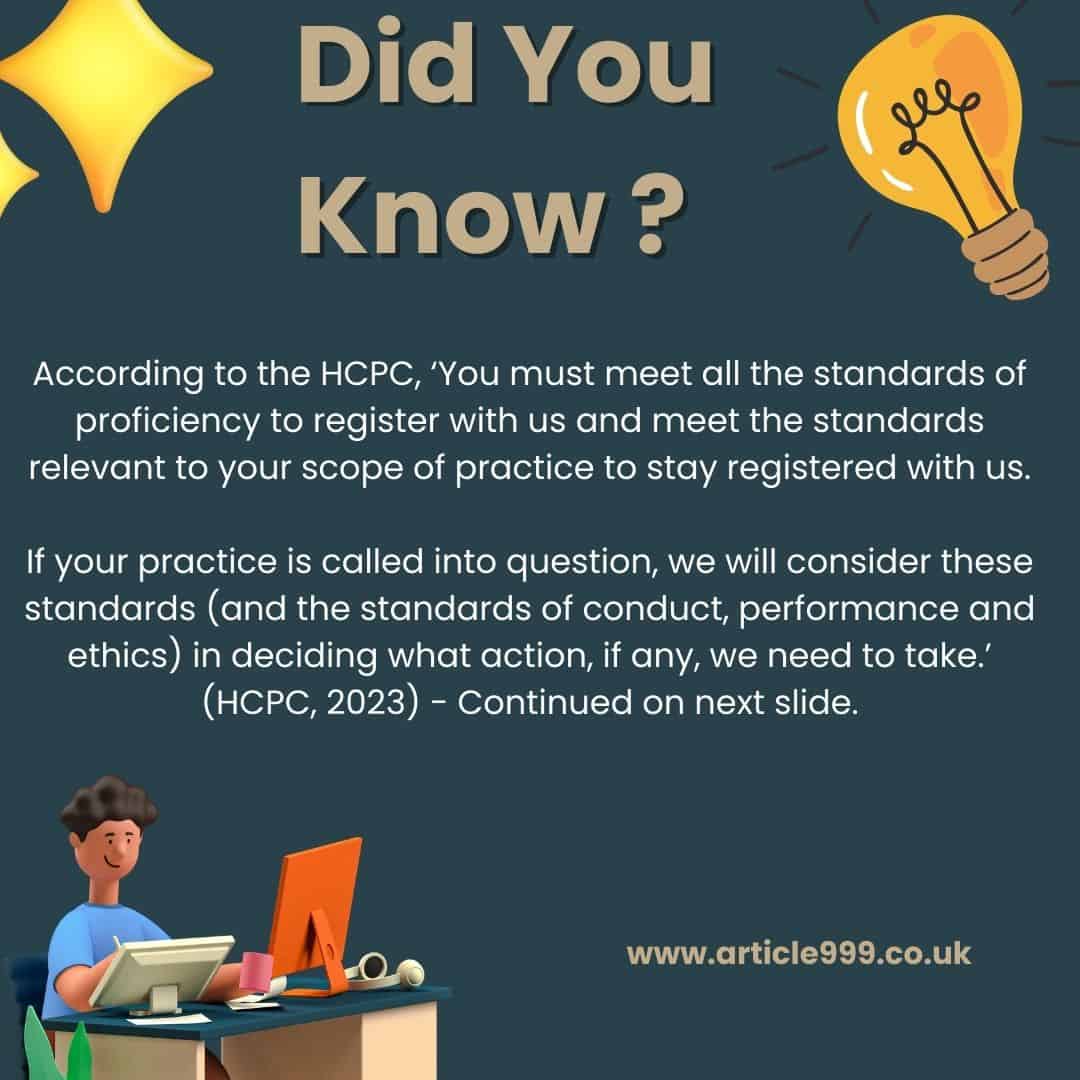
Update: the end of the video suggests that no feedback was received – this is what is indicated in the confirmation email from the HCPC. However, a PDF is downloadable from within my account, which shows the questions the assessors have had to answer. These questions are directly related to the standards of CPD, and the answers reflect elements of my submission – there are brief comments relating to specific courses I have done, explaining how and why these have met the standards in the words of the assessor(s). Given that three of the four comments relate to courses I have completed, I would definitely recommend completing (and reflecting on) courses within your registration period. The course certificates can form part of your evidence, as long as you then refer to them in sufficient length in your statement of how you have met the standards.
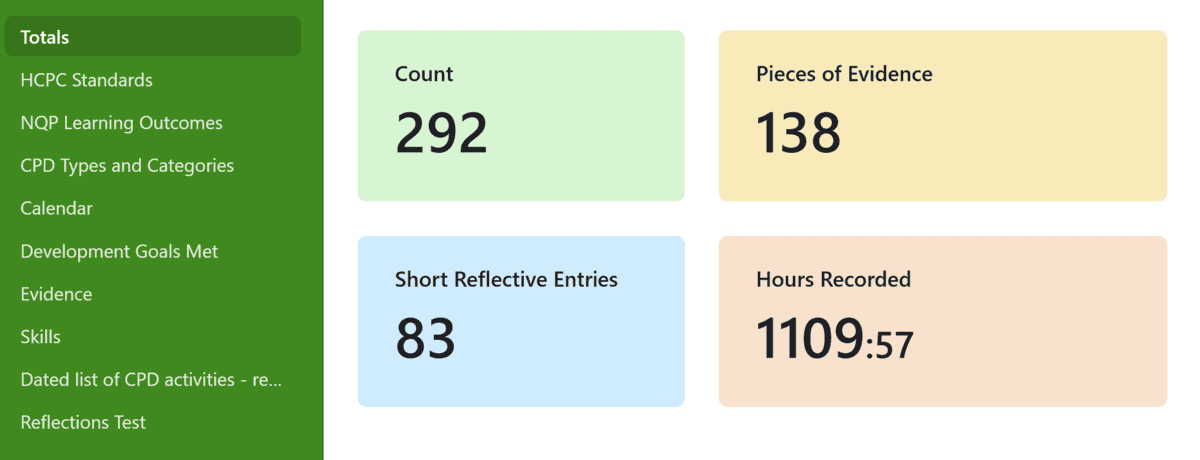
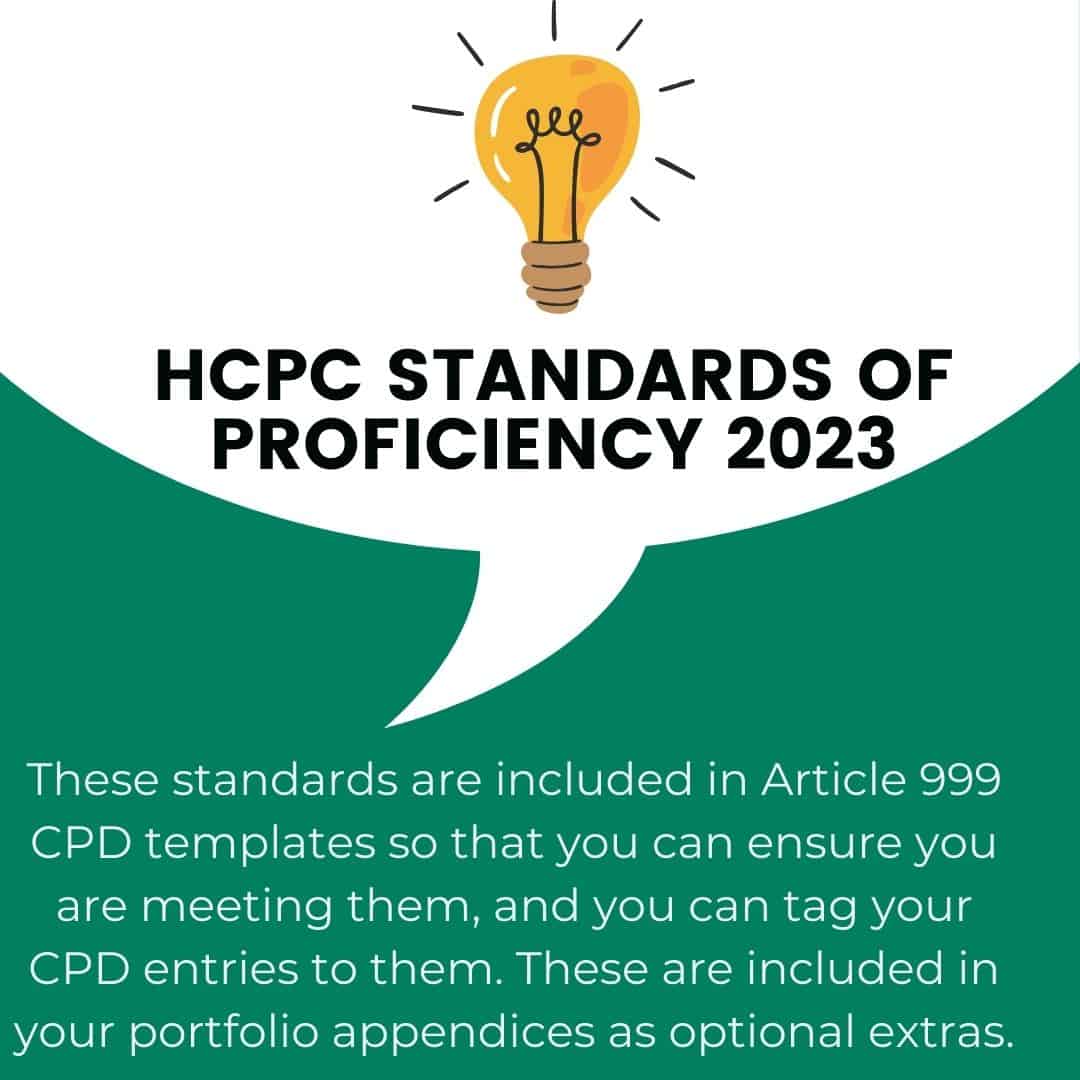
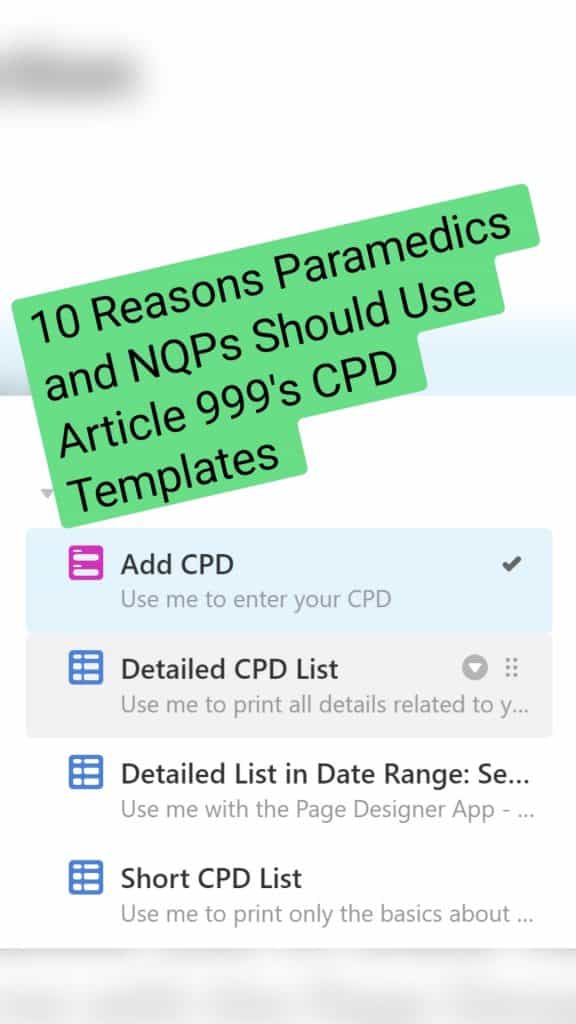
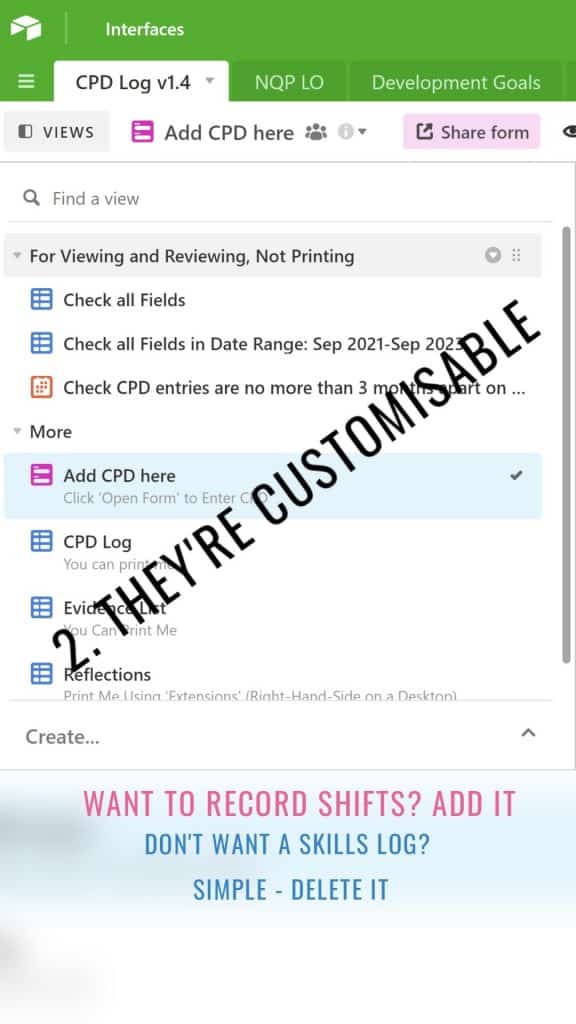
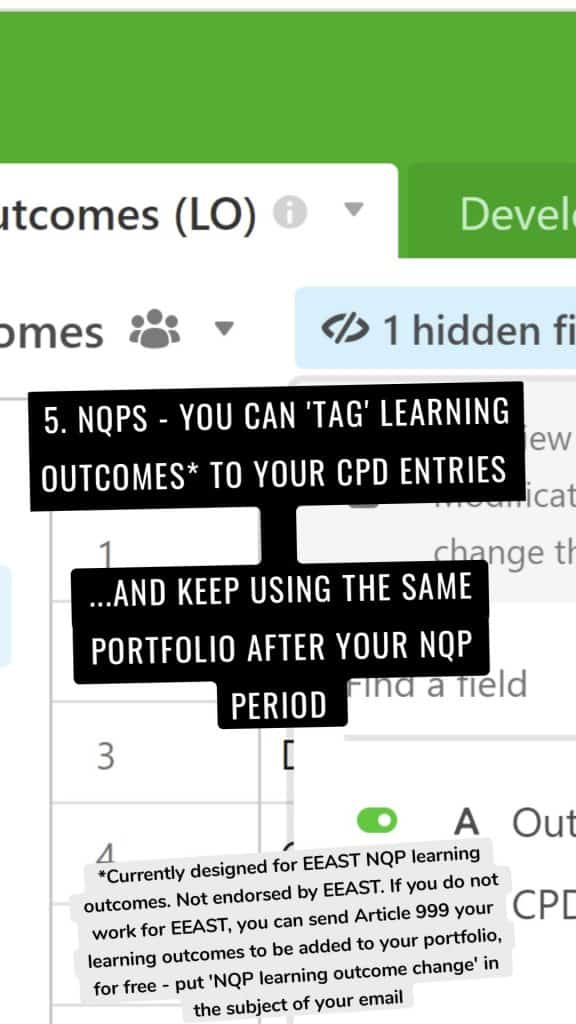
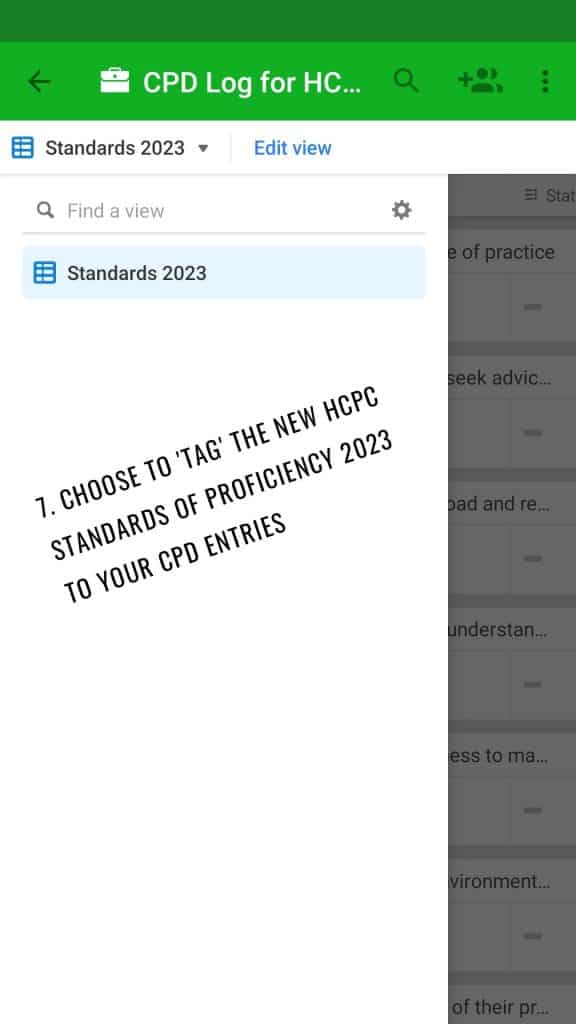
Article 999’s CPD templates are hosted on Airtable and present as a database with an intuitive, simple form. The form allows you to tag your standards of proficiency, standards of CPD, important skills and personal development goals, as well as entering your reflections, uploading your certificates, and logging feedback you have received from others. Each element can then be exported separately, fulfilling triple requirements:
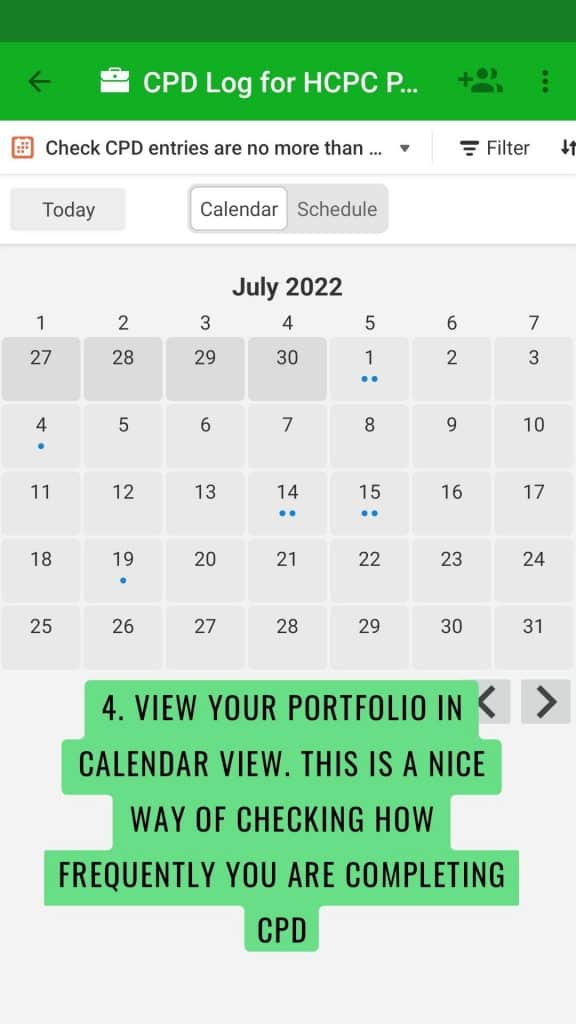
Your personal, searchable storage solution for CPD. Can’t remember when you did X course? Search the database to find the certificate. Can’tremember the last cardiac arrest you attended to, or the last CPD entry you logged? Search the calendar or the database as a whole.
Your CPD portfolio, available on request by link or by export for employers. Note, youmay need to copy and paste elements into a Word document to export.
Your CPD portfolio for HCPC audits. Not everyone knows this, but the HCPC do not want one single document sent to them. They want statements, copied and pasted into their system. They want evidence, uploaded separately, one at a time, into their system. They then want your list of CPD activities uploaded on its own – and they don’t want to read everything. So it’s worthwhile for you to store everything, then when it comes to actually submitting, simply tick next to the entries you want to ‘feature’ – and export those.
I’ll admit, Article 999’s templates probably aren’t a solution for everyone. They are best for you if you are someone who:
has not found a CPD template or storage solution that offers everything that you want.
has previously kept your CPD in organised folders, spreadsheets, OneNote, or an (old) Microsoft Access database – maybe you’ve even had a go at making your own database or spreadsheet.
values being able to store everything – certificates, reflections, skills logs, feedback, and your CPD activities (because after all, these are all CPD activities!) in one place.
values being able to log all of the above from one form – every element mentioned in the point above is a CPD entry, something that is ultimately centered around your CPD.
(Example): If you ask for a list of my CPD I will show you that two days ago I wrote a detailed reflection, yesterday I attended an event that has an attendance certificate, and today I taught airway skills. Today I also had a conversation with a colleague about a clinical subject, and I received some feedback. All of these are CPD activities according to the HCPC, so why should we have to log them all separately?
What is collaborative CPD? Well, it’s a way of tagging your crewmates/colleagues in specific CPD entries such as reflections on jobs, and then asking your crewmates/colleagues to answer some questions and provide some feedback on your communication and clinical management. You can then use this feedback as prompts to write – or expand – your reflective entries. Or you can export their feedback and add it to your portfolio as evidence of feedback. And your crewmates/colleagues can sync the shared CPD to their portfolios to evidence their own feedback or to prompt or expand on their own reflections. Watch the video for more:
Please note: These videos demonstrate printing/exporting the NQP portfolio. However, all portfolios (post-NQP/Non HCPC/NQP) print in the same way. There is simply more to print in the NQP version. Non NQPs can safely skip parts about printing the NQP learning outcomes.
Please also note: The settings in the templates are such to enable printing to work properly and to ensure your NQP learning outcomes are in the correct format. Please do not change the settings, unless I have specifically advised that you can. NQPs, please print your learning outcomes from the given table to ensure your portfolio is accepted. If you are unsure, please do reach out.
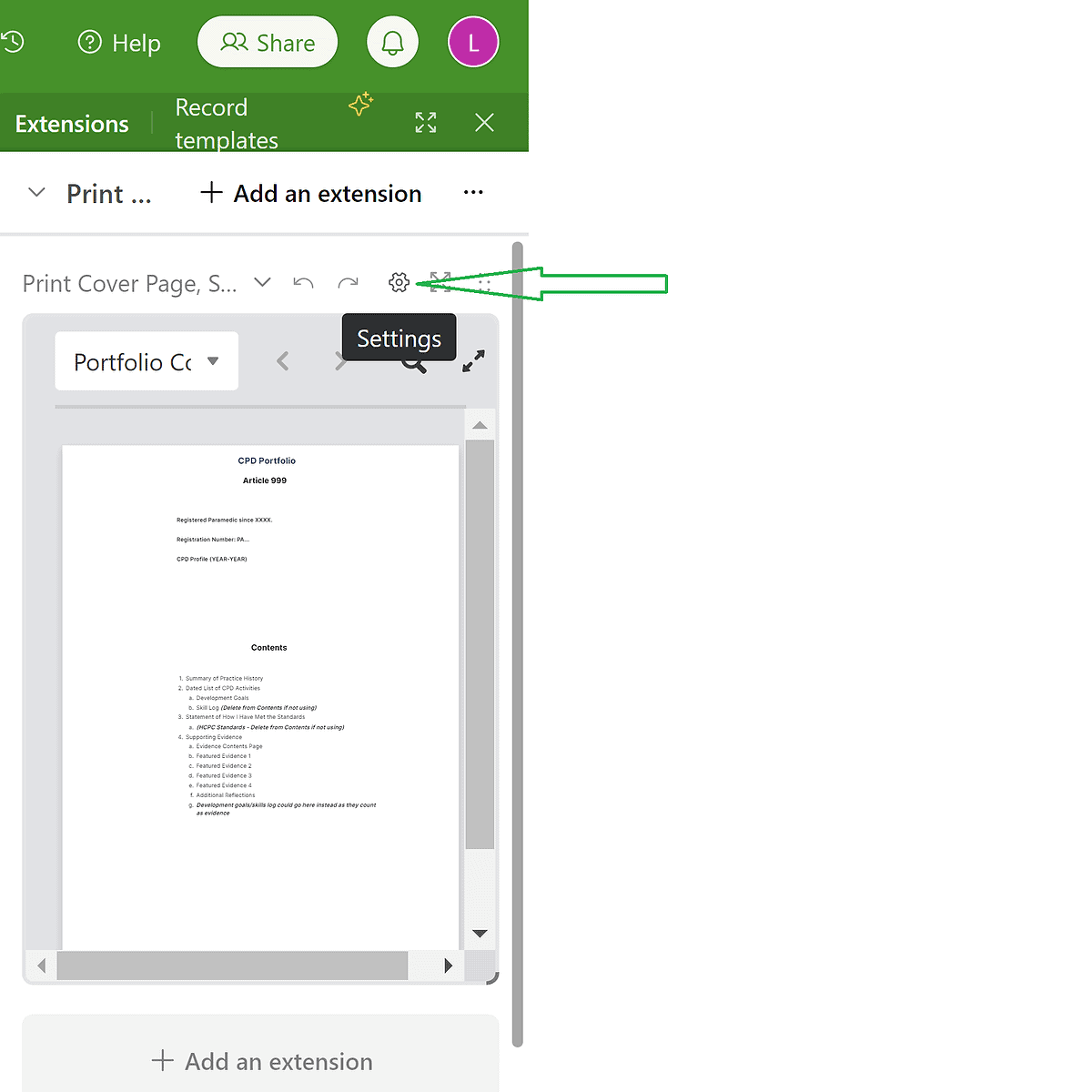
00:00 Intro 03:40 Logging CPD 12:50 Editing the Cover Page 14:00 Editing the Summary of Practice History (and checking the word count) 14:47 Adding more category/tag options for your CPD log – using the ‘check all fields’ tab (which is *not* for printing. 17:00 Adding/Editing Development Goals 19: 40 Editing the Statement of How I Have Met the Standards (and checking the word count) 20:10 Checking, and a second way of logging the NQP Learning Outcomes. Searching for met/not met outcomes as well. Use of the signature(s) column(s). 23:00 Checking, and a second way of logging HCPC Development Goals. 24:40 Printing/Exporting How to print/export the: 25:10 Cover Page – Using the extensions tab 28:20 Summary of Practice History – Using the extensions tab 29:14 Dated List of CPD Activities – Checking the fields & word count before printing 32:09 Dated List of CPD Activities – Printing/Exporting the CPD Log 37:40 Evidence List 39:40 Reflections – Using the Extensions tab 41:25 Skills 42:00 Development Goals 43:00 Statement of How I Have Met the Standards 44:01 NQP Learning Outcomes 45:20 HCPC Standards of Proficiency 46:20 Merging the PDFs, Adding Page Numbers, Editing 52:06 NQPs or anyone wanting signatures – How to get your portfolio signed electronically. 54:00 Final bits of advice, references, and support options.
The printing/exporting instructions only:
How to print/export the: 00:00 Cover Page 03:38 Summary of Practice History 04:38 Dated List of CPD Activities – Checking the fields & word count before printing 07:12 Dated List of CPD Activities – Printing/Exporting the CPD Log 12:45 Evidence List 15:00 Reflections 16:50 Skills 17:25 Development Goals 18:28 Statement of How I Have Met the Standards 19:39 NQP Learning Outcomes 20:45 HCPC Standards of Proficiency 22:30 Merging the PDFs, Adding Page Numbers, Editing 27:20 NQPs or anyone wanting signatures – How to get your portfolio signed electronically. 30:00 Final bits of advice, references, and how to seek support.
If you’re a UK Paramedic looking for a template to use for your CPD portfolio, here’s a link to one I’ve made. You can download and copy this template into your OneNote or other note application. Simply fill in the blanks, create your own dated list of CPD activities*, and then delete the help info. Keep your completed portfolio available for any HCPC audits, and save the help folder for any questions. The portfolio is referenced and contains direct links with screenshots from useful sources.
*I now also have a free template available for you to use to add your own CPD. Please follow this link for more information. (Feb 2022; link updated Jan 2023)