Want to give Article 999’s CPD templates a go? You’ll need a free Article 999 membership, and a free Airtable account. Find out everything you need to know here.
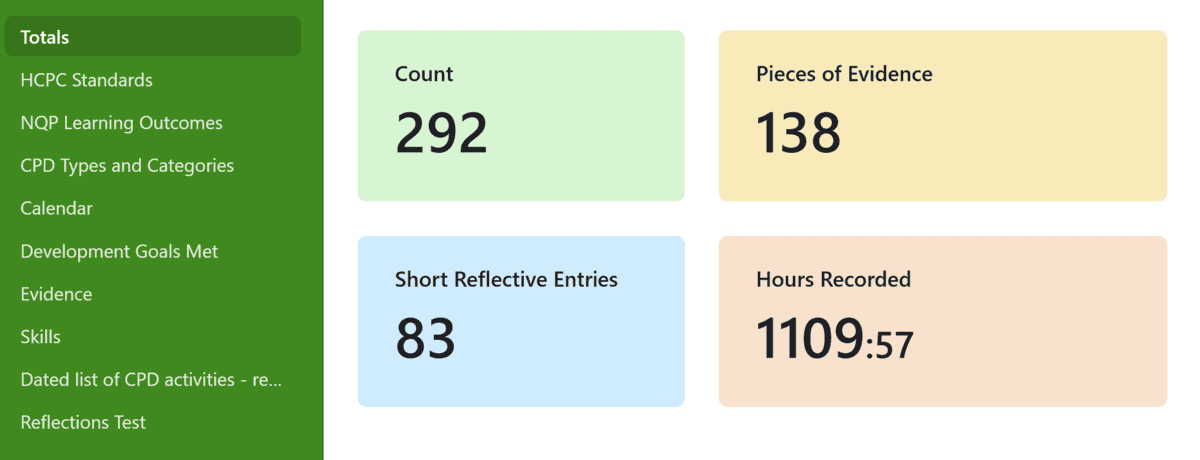
Update: the end of the video suggests that no feedback was received – this is what is indicated in the confirmation email from the HCPC. However, a PDF is downloadable from within my account, which shows the questions the assessors have had to answer. These questions are directly related to the standards of CPD, and the answers reflect elements of my submission – there are brief comments relating to specific courses I have done, explaining how and why these have met the standards in the words of the assessor(s). Given that three of the four comments relate to courses I have completed, I would definitely recommend completing (and reflecting on) courses within your registration period. The course certificates can form part of your evidence, as long as you then refer to them in sufficient length in your statement of how you have met the standards.
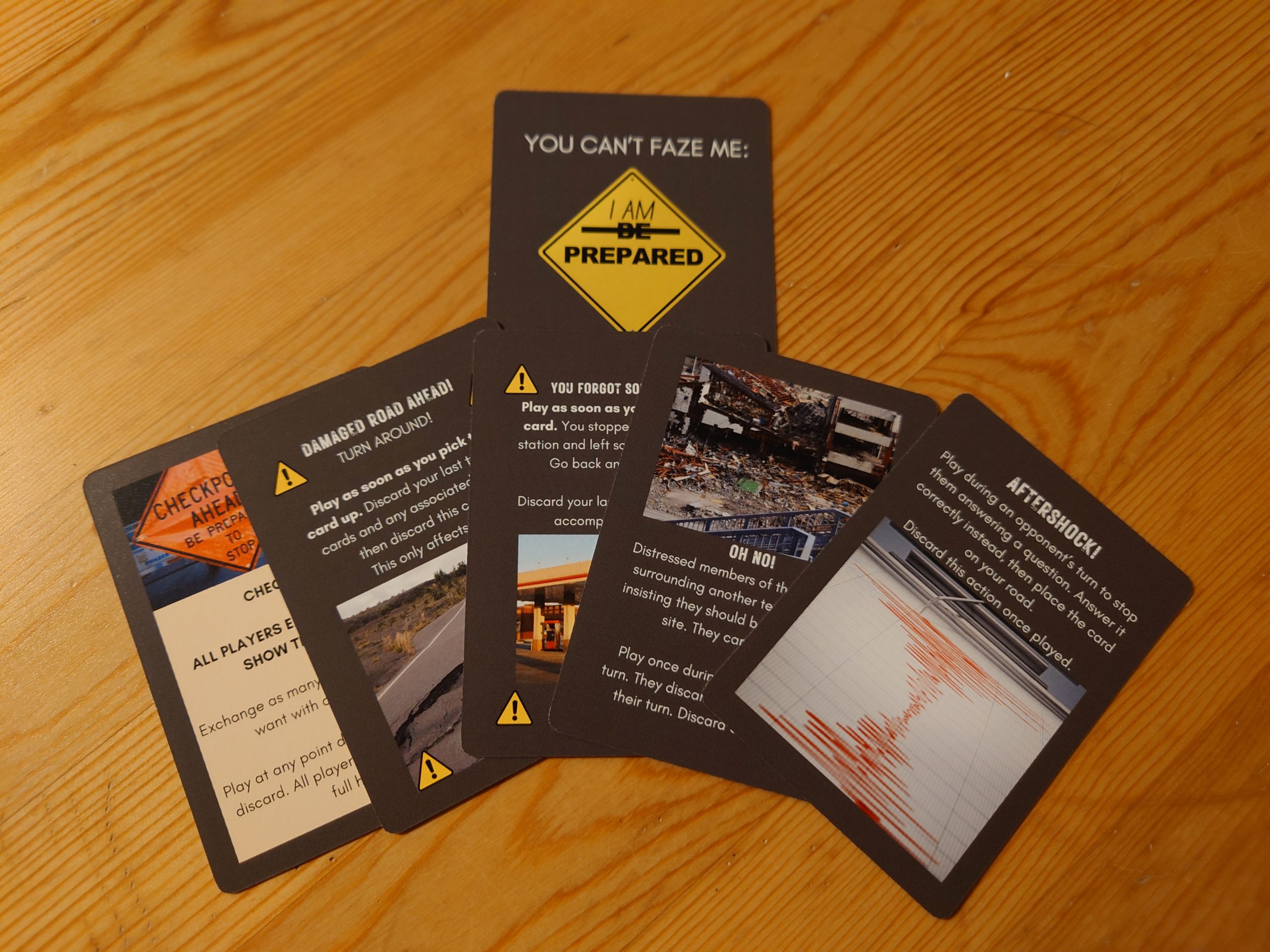
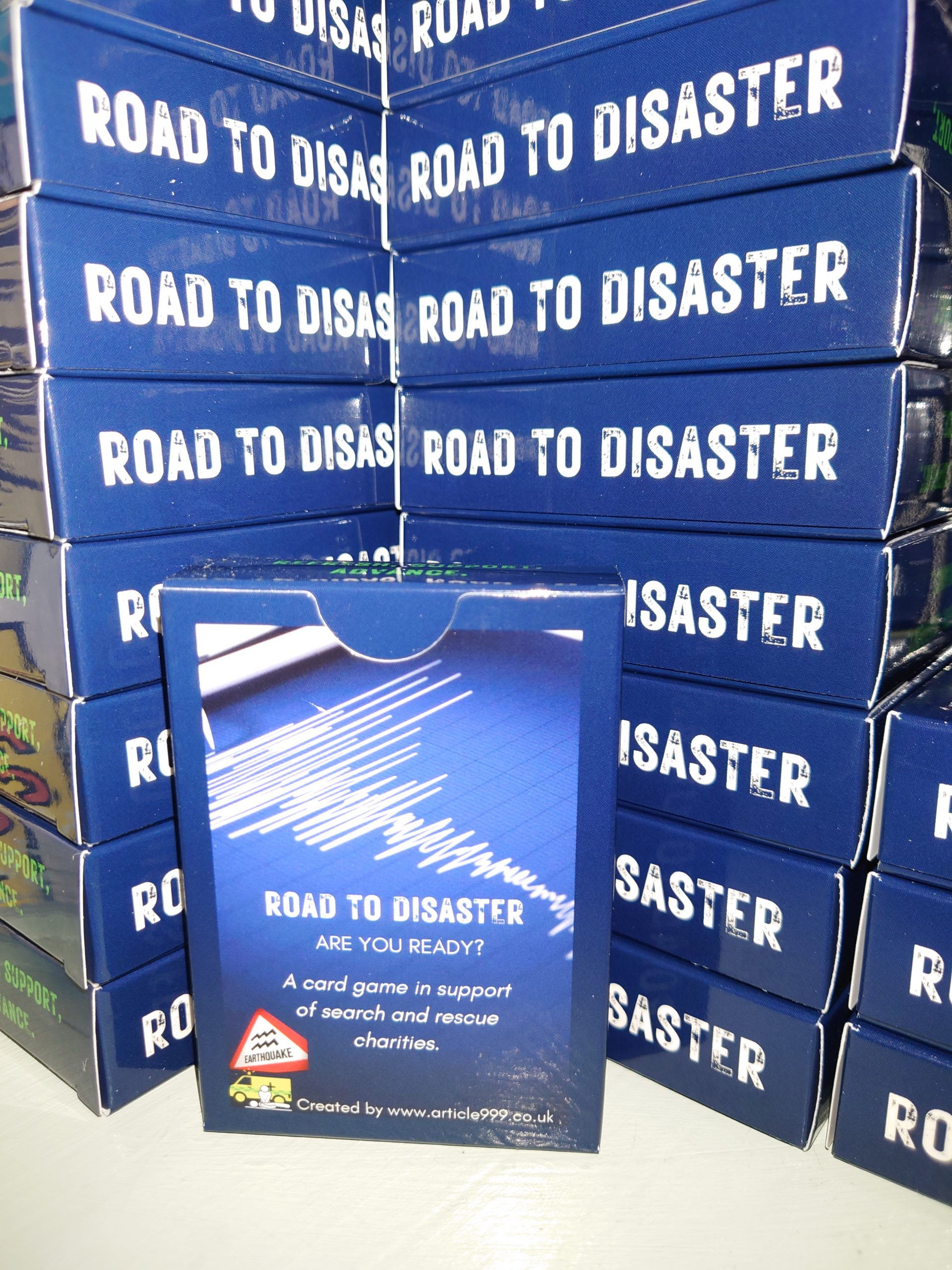
ROAD TO DISASTER is Article 999’s earthquake-themed card game, designed for those in-the-know to learn more and refresh current knowledge and those not-in-the-know to learn a little while playing a fun game.
The game has a number of actions that allow you to obstruct, steal from, or slow down your opponents. You’ll progress on your journey to the disaster, treating patients by answering questions on route and opting to earn points if you do so correctly. Reach the destination? Great, but there’s another issue: security are checking credentials. You may need to pass another test to enter. If you fail, your opponent could still win the game.
A new option to ship to an InPost locker has been added today. This reduces the cost of postage to £2.80 including packaging, as we all know postage and packaging costs can seem frustrating when purchasing small items.
Have a look and purchase the game today! More packs need to be sold before a reasonable donation amount can head in the direction of two potential charities. Those charities will be shared with you very soon. Here’s the purchase link.
Road to Disaster is a quiz based tile-laying game. It’s designed for anyone interested in the medical side of disaster response. Profit from these games goes to real search and rescue/international response teams and the organisations that support them. Do your bit for charity while updating your trauma and remote first aid knowledge.
The evidence supporting the cards are the culmination of over a year of research by Article 999. The cards are fully referenced, using the QR code provided.
Article 999 uses Airtable to host its CPD templates. When you join us to use the templates, you will also need to create an account with Airtable. Don’t worry though – all of this is free. And if you’re new to this, simply click here to be guided through it. You can also reach out by email or social media for further support.
If you’re already using the templates, you might find you are starting to get a ‘reaching plan limits’ message. I am now, so some of you might not be too far behind. Not to worry though, as there is a simple way to overcome this.
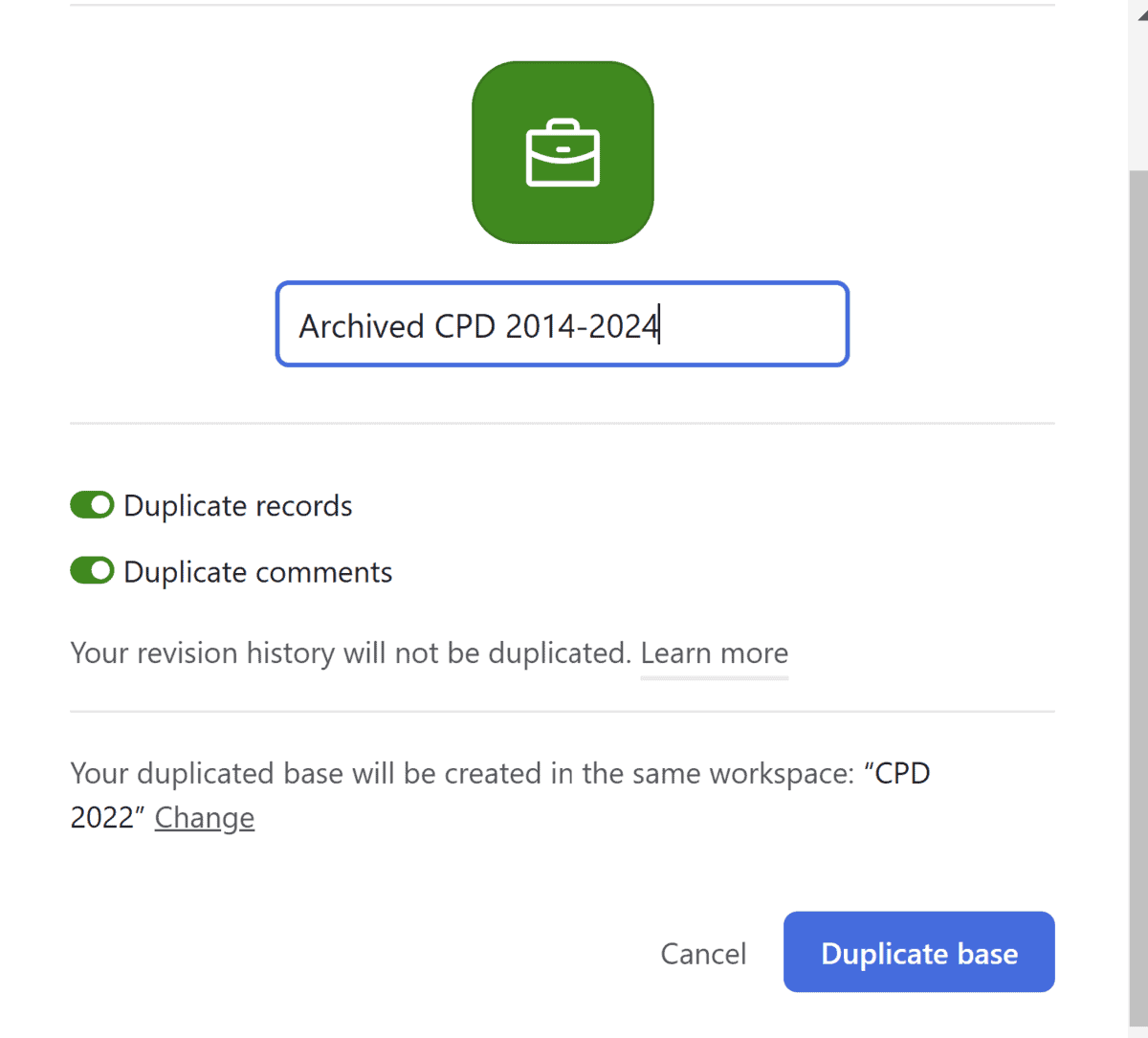
From your Airtable dashboard, click on the three dots next to the title of your database. Click duplicate base. Change the title to something like archived CPD:
Confirm by clicking ‘Duplicate base.’
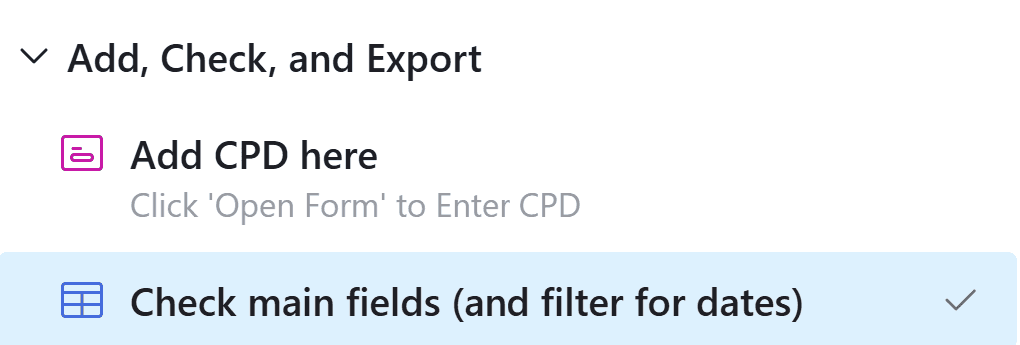
Now, leave that base alone and head to the one you just copied (the original). Head to your dated list of CPD activities:
Head to check main fields:
Highlight as many old entries as you’d like (I’d suggest up to just before the current HCPC registration period). Simply hit delete. Nerve-wracking, I know – but remember, you have just duplicated all of this. You’re just deleting the originals.
You do not need to repeat these steps in any other views/tables. You may choose to delete sections you no longer need, including your NQP learning outcomes log.
That’s it! Let me know how you get on and what you think.
What is collaborative CPD? Well, it’s a way of tagging your crewmates/colleagues in specific CPD entries such as reflections on jobs, and then asking your crewmates/colleagues to answer some questions and provide some feedback on your communication and clinical management. You can then use this feedback as prompts to write – or expand – your reflective entries. Or you can export their feedback and add it to your portfolio as evidence of feedback. And your crewmates/colleagues can sync the shared CPD to their portfolios to evidence their own feedback or to prompt or expand on their own reflections. Watch the video for more:
Please note: These videos demonstrate printing/exporting the NQP portfolio. However, all portfolios (post-NQP/Non HCPC/NQP) print in the same way. There is simply more to print in the NQP version. Non NQPs can safely skip parts about printing the NQP learning outcomes.
Please also note: The settings in the templates are such to enable printing to work properly and to ensure your NQP learning outcomes are in the correct format. Please do not change the settings, unless I have specifically advised that you can. NQPs, please print your learning outcomes from the given table to ensure your portfolio is accepted. If you are unsure, please do reach out.
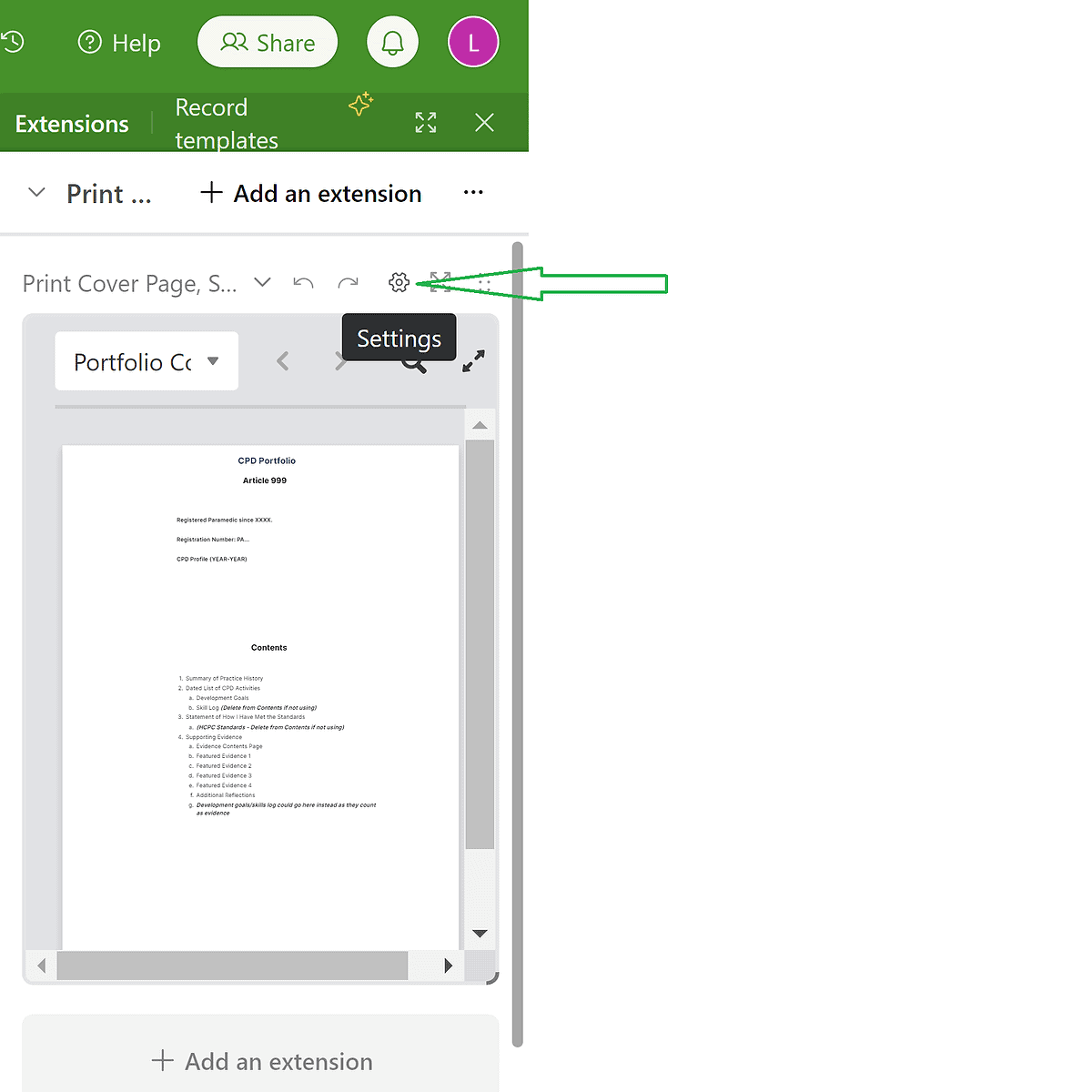
00:00 Intro 03:40 Logging CPD 12:50 Editing the Cover Page 14:00 Editing the Summary of Practice History (and checking the word count) 14:47 Adding more category/tag options for your CPD log – using the ‘check all fields’ tab (which is *not* for printing. 17:00 Adding/Editing Development Goals 19: 40 Editing the Statement of How I Have Met the Standards (and checking the word count) 20:10 Checking, and a second way of logging the NQP Learning Outcomes. Searching for met/not met outcomes as well. Use of the signature(s) column(s). 23:00 Checking, and a second way of logging HCPC Development Goals. 24:40 Printing/Exporting How to print/export the: 25:10 Cover Page – Using the extensions tab 28:20 Summary of Practice History – Using the extensions tab 29:14 Dated List of CPD Activities – Checking the fields & word count before printing 32:09 Dated List of CPD Activities – Printing/Exporting the CPD Log 37:40 Evidence List 39:40 Reflections – Using the Extensions tab 41:25 Skills 42:00 Development Goals 43:00 Statement of How I Have Met the Standards 44:01 NQP Learning Outcomes 45:20 HCPC Standards of Proficiency 46:20 Merging the PDFs, Adding Page Numbers, Editing 52:06 NQPs or anyone wanting signatures – How to get your portfolio signed electronically. 54:00 Final bits of advice, references, and support options.
The printing/exporting instructions only:
How to print/export the: 00:00 Cover Page 03:38 Summary of Practice History 04:38 Dated List of CPD Activities – Checking the fields & word count before printing 07:12 Dated List of CPD Activities – Printing/Exporting the CPD Log 12:45 Evidence List 15:00 Reflections 16:50 Skills 17:25 Development Goals 18:28 Statement of How I Have Met the Standards 19:39 NQP Learning Outcomes 20:45 HCPC Standards of Proficiency 22:30 Merging the PDFs, Adding Page Numbers, Editing 27:20 NQPs or anyone wanting signatures – How to get your portfolio signed electronically. 30:00 Final bits of advice, references, and how to seek support.
This is a discussion I have had with several people recently. I’ve observed the same discussion on social media: Is it better to specialise by taking specific job roles or courses, or to keep up with the ‘jack of all trades’ role of a Paramedic?
Our profession is at a point of developing specialisms that seem to be staying put. We can now work in primary and urgent care, in research, in palliative care, resuscitation and education roles, or in other community roles such as rapid response. There are ACCP routes popping up around the country. There are resuscitation roles in specialist hospitals, and community roles that focus expertise on specific conditions. I can see a potential future for new staff being one of a few years of general practice, followed by a series of options containing different specialities and of course, different rotas. This is the way other professions have gone and of course, Paramedicine is young compared to the role of a Doctor or Nurse. Perhaps it is only natural for career paths like these to develop over time. It certainly makes for a more interesting, unique career, and it allows us to develop expertise. Specialising also contributes to a clear CV that should help lead to further roles in the area. It could be argued that without emphasising those areas of expertise on our CV, we might stand out less to a potential employer.
Some argue that remaining general means we never develop expertise in any given area, hence the ‘jack of all trades’ expression that I have heard previously expressed about our profession – we all know how that expression ends. Can anyone be a master of all?
Many of the roles currently available offer part-time work. I am working in one of these, four days a week. It means the majority of my time is spent with adults, but as I maintain frontline shifts I could still come across paediatrics and maternity jobs. I may specialise in one or two areas, but if this means I do not develop in other areas then I am not being honest with myself: I need more CPD related to those areas I now come across less because I am at risk of deskilling. If I want to develop as a Paramedic then surely I need to develop in all areas of practice.
My answer to this conundrum is simple: If you do not intend to maintain any frontline work, you do not need to remain general. But if you intend to keep up any of that work, even if this will only be occasional, you must develop in all areas within your remit. You may still specialise and opt for higher level courses in the areas that take up the majority of your time, but it seems sensible to ensure you develop in all the areas you work in. It’s those areas we see the least that will make us the most hesitant. I cannot safely leave my paediatric knowledge behind with what I learned several years ago when I could still see young patients. I cannot stop learning about maternity when those jobs have the potential to be so time-critical. I don’t want to stop focusing on trauma.
I believe to be the best for our patients, we must juggle all areas. Our expertise is then not necessarily about the courses we have done but the experience we have gained. As I spend the majority of my time working in one or two areas, I could argue those are my specialisms – but I am also still remaining general.
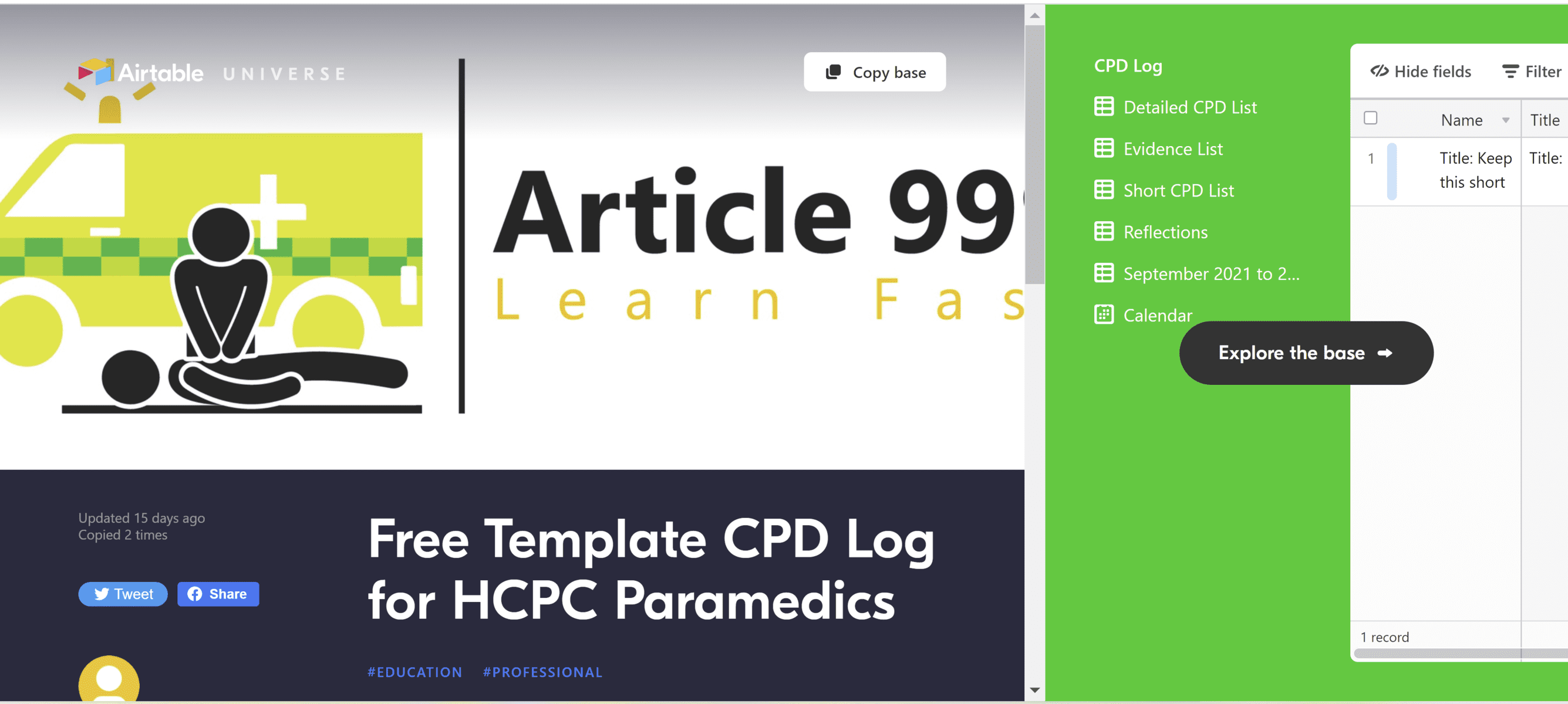
Free CPD Log Template – All you need is a free Airtable account. You can then copy and paste this ‘base’ into your own account, and make it your own.
Update Jan 2023: Please head here for the most up-to-date information. The latest version of the templates is v1.5 (published in August 2022), and is also available via the links below.
If you are using an older version of the templates and wish to update yours, please contact me for free support, attaching a screenshot of your version number (or the top-left corner of your template if there is no version number). Happy to help.
This is a template log to help you meet your CPD and audit requirements. If you set up your own Airtable account, you can copy the ‘base’ (the whole thing) to your own account and then make it your own.
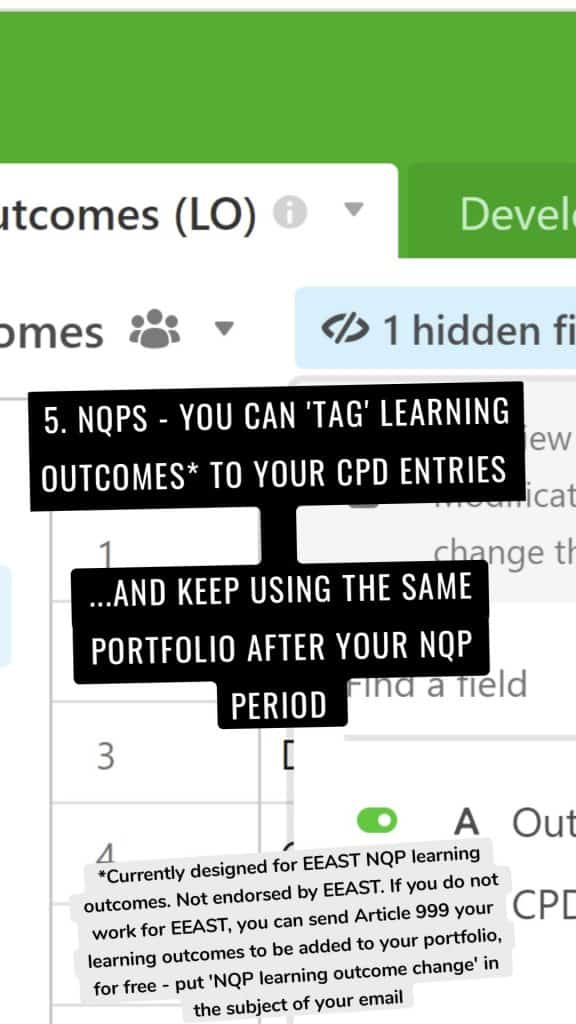
NQPS – If you are an NQP, follow this link instead. The NQP CPD log contains a list of learning outcomes so that you can match your evidence to them. It also contains additional tips throughout the reflection fields to ensure you are meeting the requirements. Do check the learning outcomes are the same for your own Trust’s version of the NQP portfolio though. (For EEAST staff, this should meet your needs**).
Both bases should meet the requirements for a free Airtable account, which means that unless Airtable change what we can do with free accounts, this should be free forever. More importantly, unlike with my alternative CPD log in MS Access, you can continue adding to your CPD log via an online form or the Airtable app.
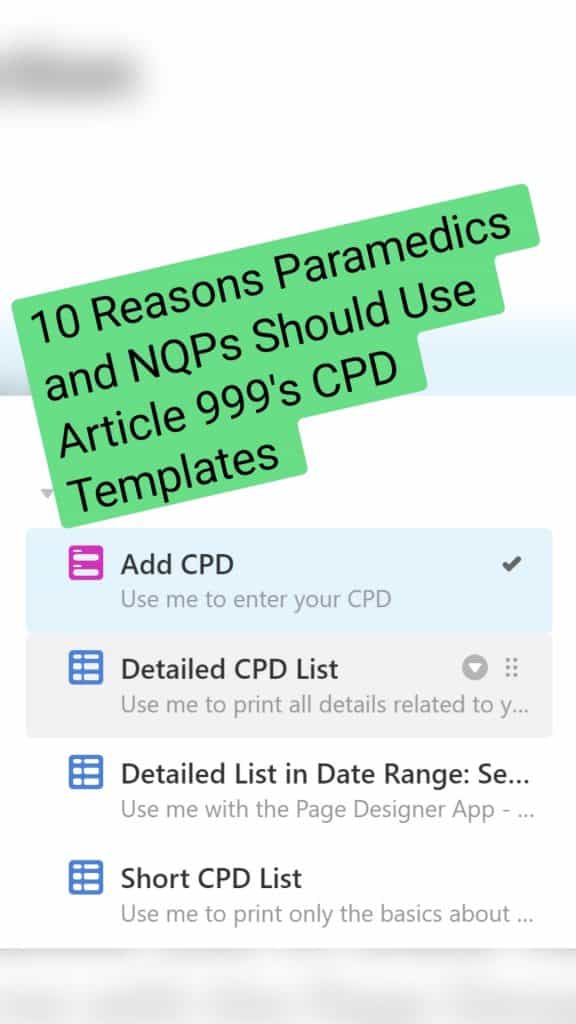
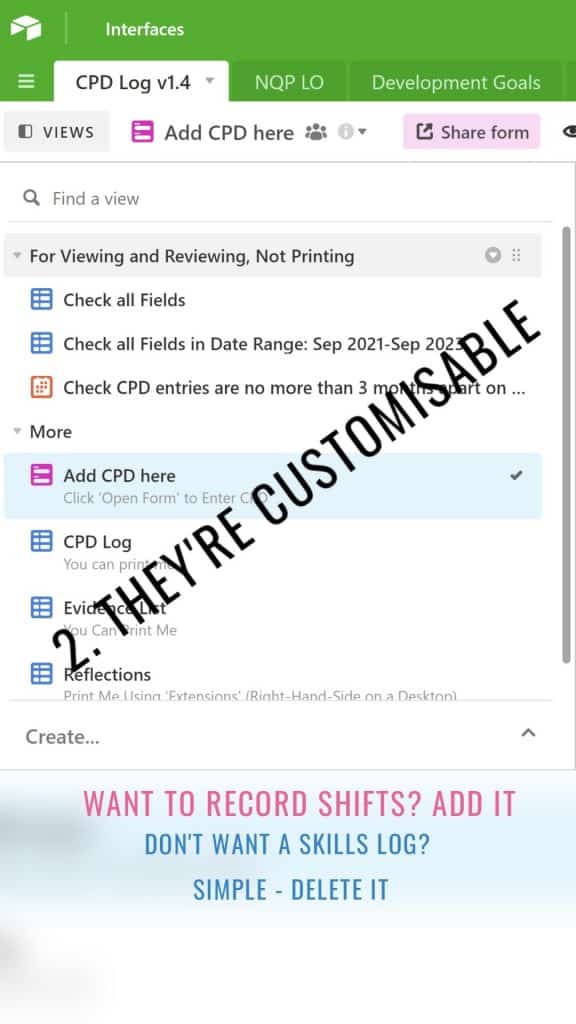
You will now see multiple tables on the left-hand side: detailed CPD log, short CPD log, reflections, and evidence list. The detailed one contains all fields and must be used in combination with the Page Designer on the right-hand side. The short CPD log contains minimal information but you can click on the table, then go to print view, and print this simple list of your CPD activities.
You could then choose to use this short log in combination with the evidence log – which is effectively a contents page of the evidence you have attached, with their relevant page numbers. These page numbers should link to the order of your portfolio, and your evidence should be written about in your statement. The reflections show all entries that have reflective entries. Feel free to experiment with print views until you have found a way that works for you.
Combine this with a template portfolio
Don’t forget, there is also a template portfolio to help you meet all other aspects of the HCPC requirements – specifically the statements – follow this link for that.
Why it’s useful:
I’ve designed the ‘Add CPD’ form to allow all relevant info to be added in the same place. No one likes multiple different forms.
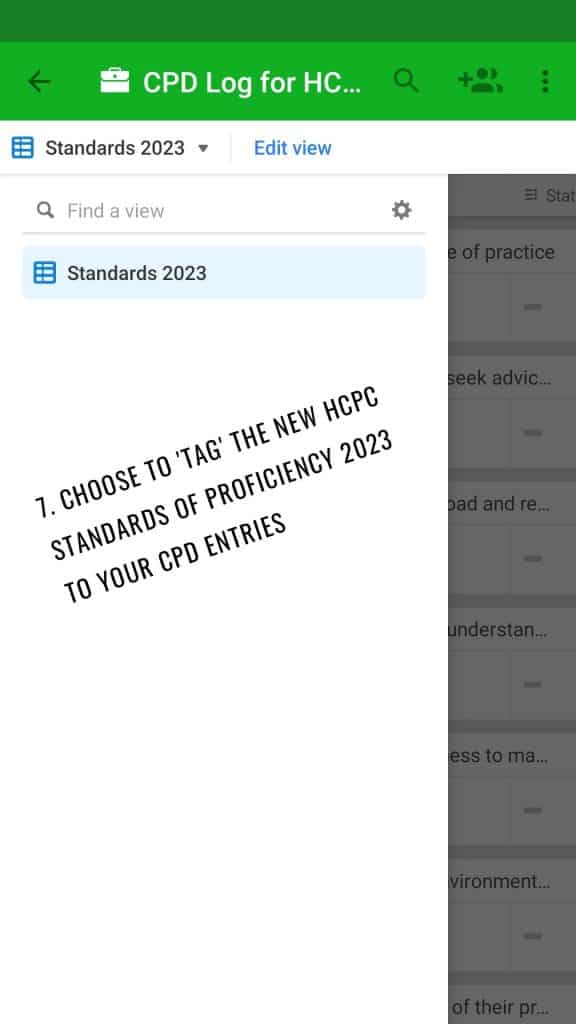
Categories are colour coded. Fields are optional– add as much or as little info as you wantThe optional reflection fields expand if you enter something in ‘Reflection – What’Tick the HCPC Standards that your CPD entries need to meet.
Many other CPD templates insist on asking us to tick all five standards for every entry we submit. I don’t see the need for this. Here are the summarised HCPC standards and my reasoning for adding (or not adding) them to this form:
Maintain an up-to-date log of activities – we do this every time we fill in the form, and we’ll refer to it in the statement that accompanies the log. There is no need to tick a box about it every time we submit an entry.
Complete a mixture of learning activities related to our practice – This should be discussed in the statement that accompanies our CPD log. It should also be demonstrated when we select a variety of categories in our entries
Ensure CPD contributes to quality of practice and service delivery – This one is a good reminder for each CPD entry, so is included in the form above.
Ensure CPD benefits the service user – Likewise here.
Present a written profile – Met by completing the profile that accompanies the log. More guidance here.
You can add additional information such as a page number that refers to your portfolio of evidence, a reference, and your own development goals. These may help you to focus your CPD on key areas and to find related information at a later date. It’s also important to categorise your CPD so that the HCPC can see you are varying your learning. Update Jan 2023: The latest version of the templates (Aug 2022 – v1.5) looks a little different to this but should print better. Check it out and let me know what you think.
The print options are also versatile. You can choose to print one CPD entry per page, with all accompanying information present. Alternatively, you could print a list of any CPD that has accompanying evidence (above)…Update Jan 2023: Printing is now a little different in v1.5 (Aug 2022) and there is guidance on this within the template. I recommend printing a summarised CPD log, followed by an evidence list (including thumbnails of attachments), reflection log, and any additional pages such as your development goals. … and a basic list of yourCPD activities…...and all the entries that are accompanied by reflections…….and all of the above can be filtered according to a date range so that you only export/print recent activities. Remember, in Microsoft you can change your printer to ‘print to PDF’ if you only need an electronic export of these files.
Most importantly, the template is free for as long as Airtable allow us to have free accounts. Update Jan 2023: Airtable say they do not envisage this disappearing. Yay!