After lots of painstaking work, the latest versions of the CPD logs have now been published. These contain the following improvements:
An improved layout
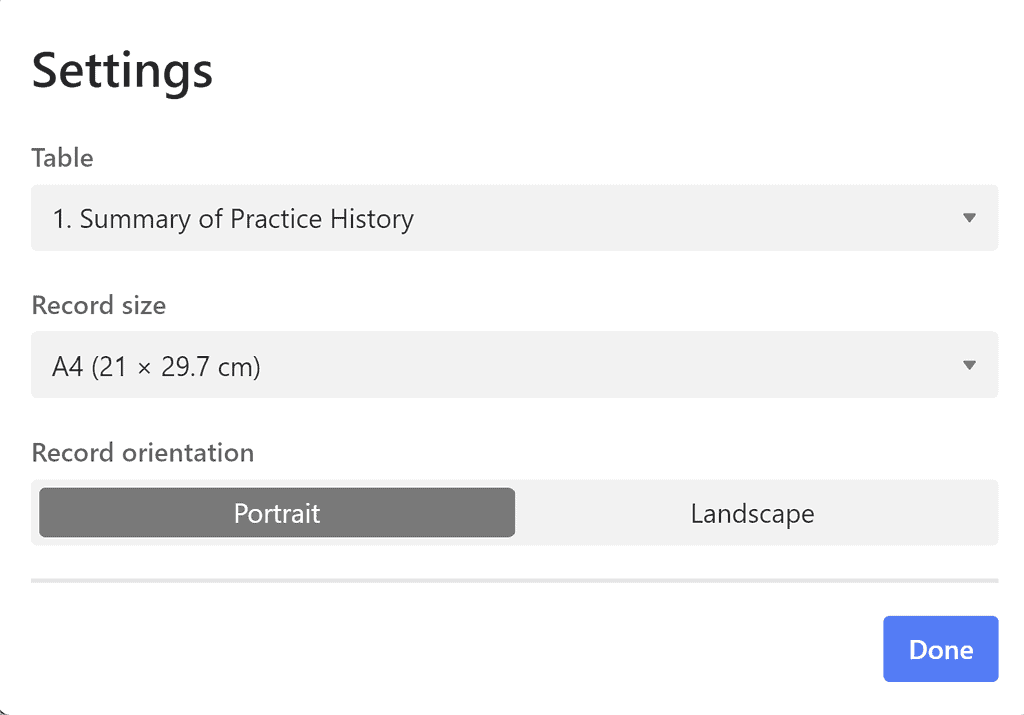
Improved printing options, especially for reflections
A reduced word count for reflections – this helps with printing. Any longer reflections should be uploaded as attachments.
The option to add dates for created/completed to your development goals, as well as reasoning and uploads.
The option to log airway and other skills we don’t do as often, e.g. IO. You can print this log separately.
If you are already using the templates, you won’t see these new changes. Please don’t worry – you can still preview the changes, contact me to ask me to make the changes, or stay tuned here for more info on how to make these changes yourself.
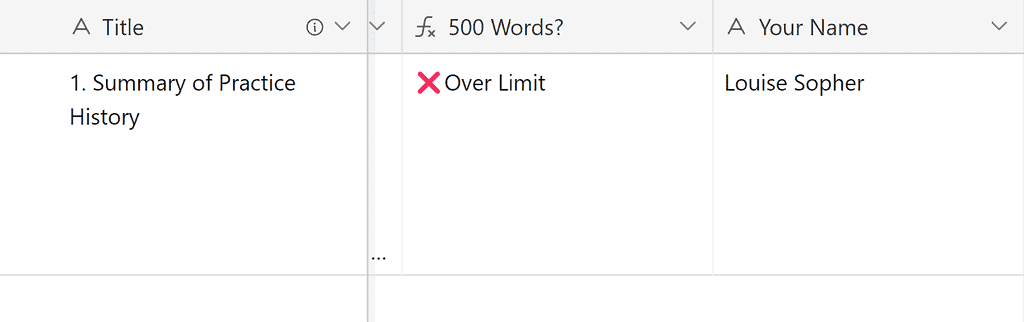
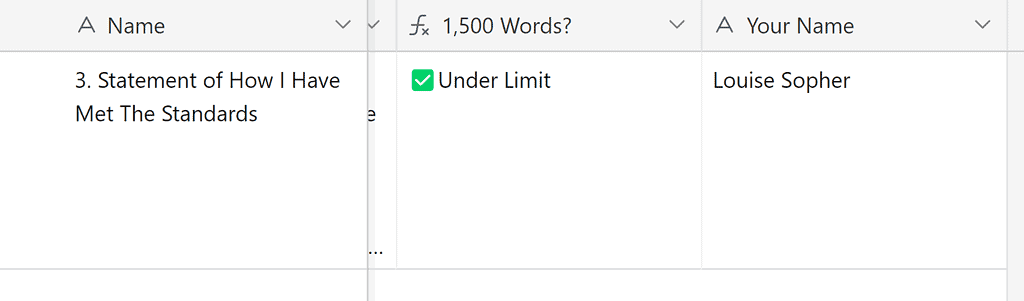
The HCPC elements – the 500 word summary of practice history & 1,500 word supporting statement, which are both currently in the OneNote template (now called the ‘help file’) will now be inside the Airtable database. This means everything can be printed/exported directly from Airtable, without the need to transfer everything into OneNote at the end or the need to print directly.
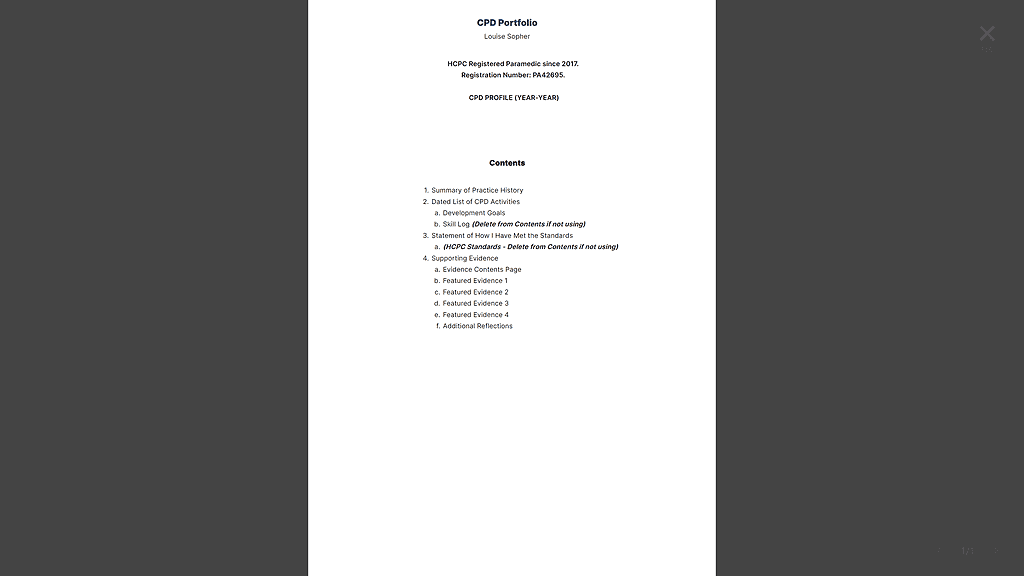
A cover page can now also be printed from Airtable
An empty signature column will be added to the NQP learning outcomes table allowing these to be a) printed and signed/dated on paper, then uploaded as evidence, or (b) saved as PDF then signed/dated electronically when shared directly from Adobe, then uploaded as evidence.
There are options to customise this further with multiple signature columns and the potential to allow mentors to log in via a link and type a date in a field, which will then automatically record their name as evidence (not a true signature but effectively a stamped name).
Also new to v1.6 from 13/04/2023 – the skills log has been moved to the main table for ease of logging; you can now tag skills to your CPD entries, rather than logging them separately. A column has been added to the development goals to encourage you to write or list how you are meeting them.
See below for screenshots of use.
21/08/2022 – V1.5 – Updated tick boxes for the HCPC standards 3+4 – these are now ‘tags’ to encourage actively thinking about whether you have met each standard. Also added a table for the 2023 HCPC Standards of Proficiency so you can now map your CPD against these if you choose.
01/07/2022 – v1.4 has now been released. For more info, head to the post about v1.4.
A number of updates have been made to the CPD log templates recently which, if you have saved an earlier version, will not be reflected in your versions. If you have not begun using the templates, please copy the relevant new version. If you are using an older version, you may simply need to change some settings to help you when it comes to printing your templates. Remember, if you are having any technical issues, you can email me at article999uk[at]gmail[dot]com. If you have been using an older version of the template and wish to update it, I will offer free Teams support to get you to the current version and to help you get set up with these templates.
Let’s have a look at what’s been changed for both NQPs and Post-NQPs:
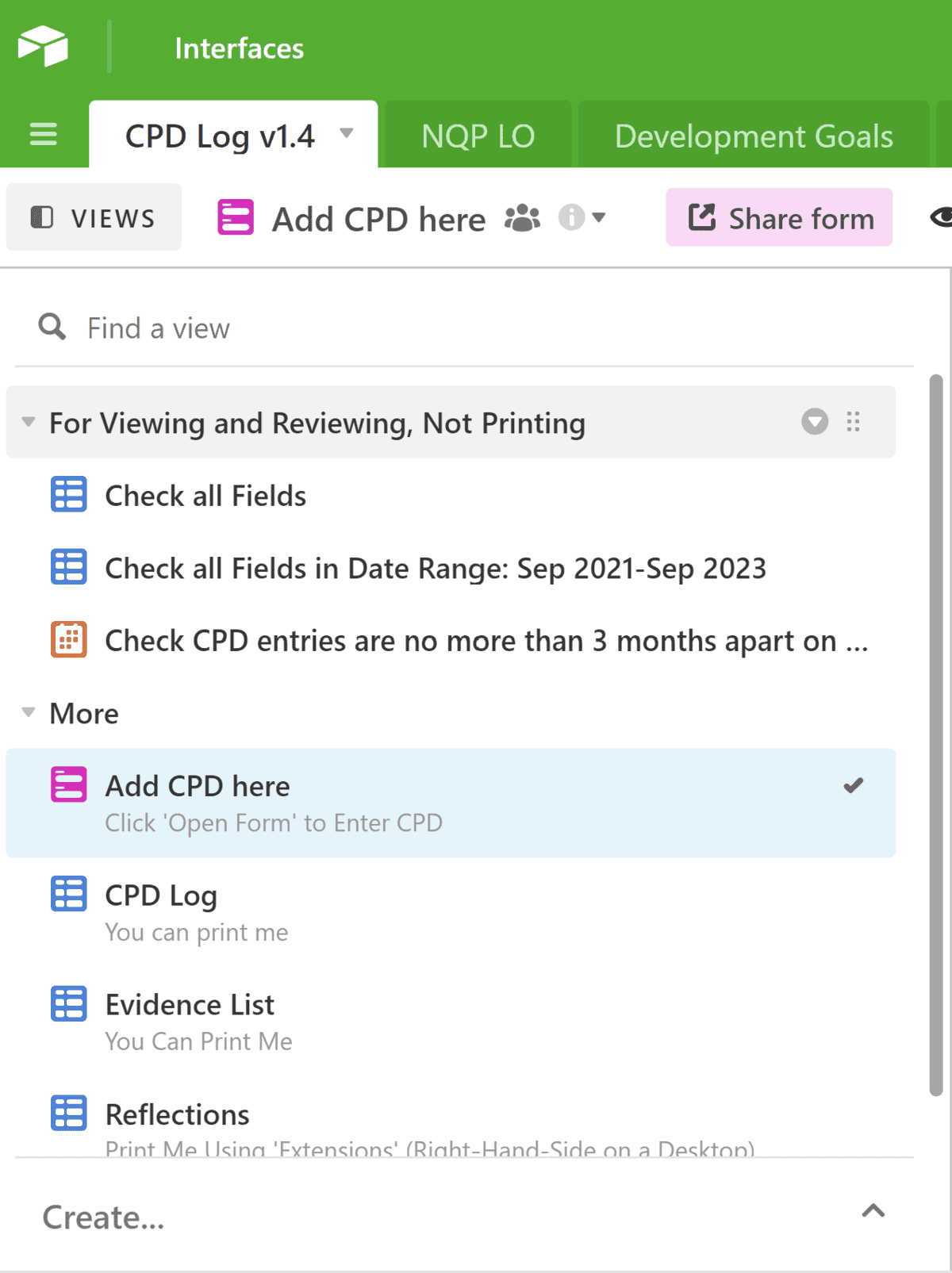
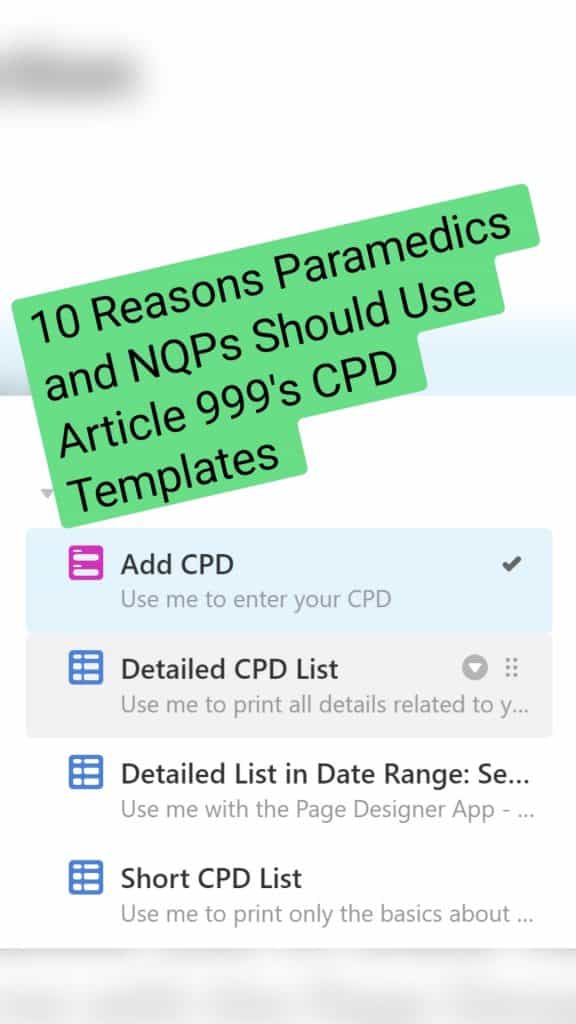
The order of tables on the left-hand side has been adjusted for clarity. It now looks like this:
What do all of those mean?
Add CPD is the form you should use to add new entries. Just click on the tab, then click ‘open form’.
3 options for printing:
Detailed CPD List shows every field in your CPD log, including the full names of NQP learning outcomes, if you’re using the NQP template. Print using the Page Designer extension (right-hand-side). This shows every record, too.
Detailed List in Date Range… is the same, but with date filters applied; you can use this table to search for entries within a specific date range, e.g. the current HCPC registration period if you’re audited. Print using the Page Designer extension (right-hand-side).
Or Short CPD List shows only the basics of your CPD log. You can print this as a table view from this option:
If you choose to print the short CPD list, you should also print the Evidence List and Reflections separately.
3) Calendar – This shows all your entries in a calendar view, which is a great way of checking when you’ve done CPD and whether you have left gaps of more than 3 months (which you really shouldn’t do).
What else is new?
A new ‘Development Goals’ table has been added. This replaces the field in your CPD log where you could previously add goals. Instead, you can now choose to add:
The development goal itself
The date you created this goal or started working towards it.
The date you completed working on this goal (leave blank if it’s an ongoing goal).
Reasoning – You could choose to write about feedback you have received that has led you to start improving a specific skill, or a job you have been to that led to you identifying an area of improvement, or you could answer questions relating to SMART goals.
Optional Uploads – You can choose to upload anything relevant to your reasoning, for example written feedback, or other goal-setting sheets you have completed.
Status – Here, you can tag a goal as todo, in progress, or completed.
You can print the development goal table. It should look something like this:
What else has been changed?
For NQPs:
Your template previously had a long field containing the names of the NQP learning outcomes, then a separate field containing the number of the learning outcome, e.g. A1a. This was causing issues with printing as the long names would run off the page. To solve this, I have hidden the field with the long names in your CPD list. The learning outcome number is still there. I would recommend printing the long list of learning outcomes separately, like a key. It should look something like this:
So now your short CPD list will look something like this, with the reference number only:
Help: I’ve already started using the templates, but I want these updates. What do I do?
No worries. These are relatively minor changes. Here’s how you can make these changes:
See the four squares on the corner of Detailed CPD List? Click and drag to change the order of the tables as you see fit.
NQPs – in your Short CPD List, your Evidence List, and your Reflections, check the NQP Learning Outcomes option is hidden:
3) NQPs – In your NQP Learning Outcomes table, hide or unhide the CPD log field – hiding is good for printing. Unhiding is good as a way of checking how many learning outcomes you have matched to your CPD entries:
4) For all – if you want to set up a Development Goals table to replace the current development goals field and enable you to print more details about your development goals, you can do so. However, this element is a little more complicated, so if you would like some help to do this then I would suggest emailing me or sending me a message via the Article999uk Facebook or Instagram pages.
That’s it? How do I print it all then?
More info on printing, and more general instructions are coming soon 🙂
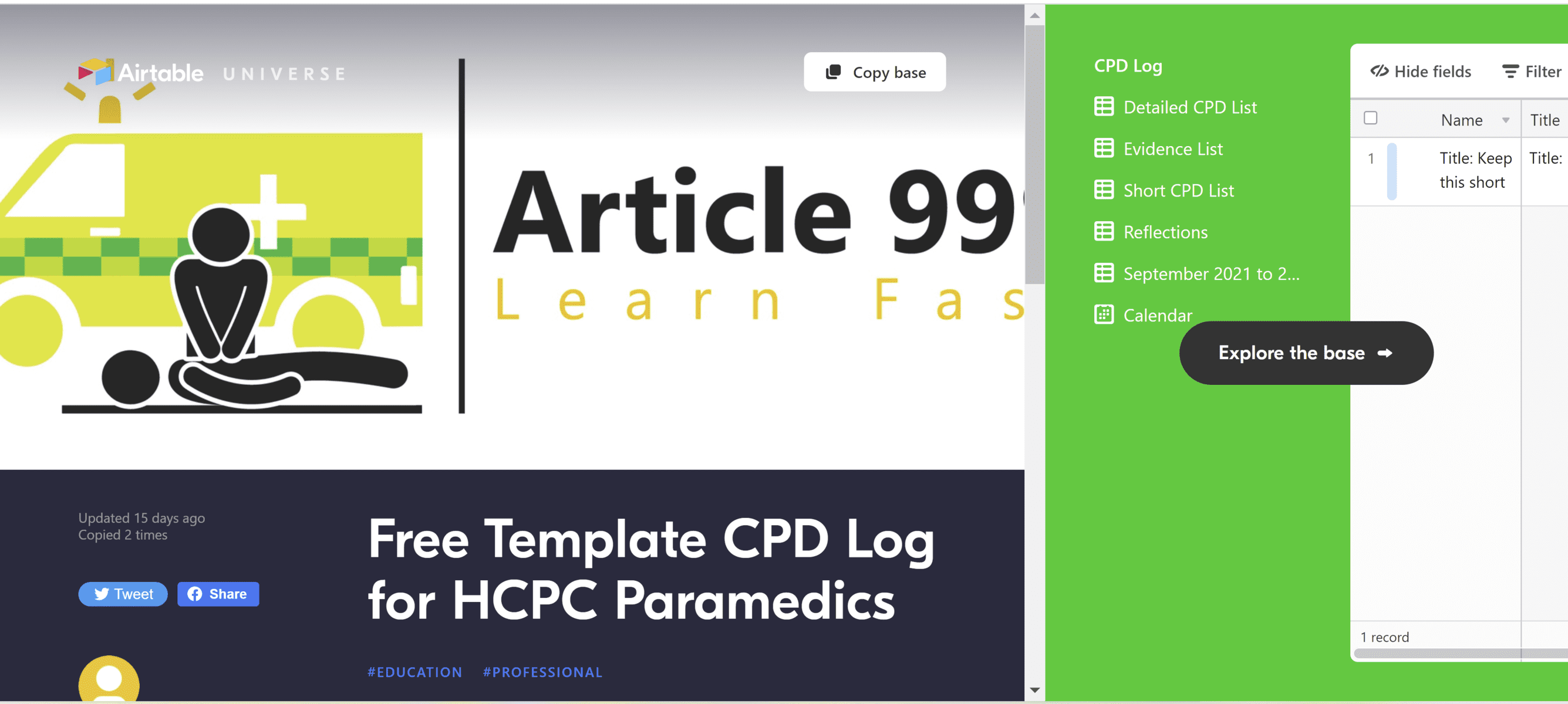
Free CPD Log Template – All you need is a free Airtable account. You can then copy and paste this ‘base’ into your own account, and make it your own.
Update Jan 2023: Please head here for the most up-to-date information. The latest version of the templates is v1.5 (published in August 2022), and is also available via the links below.
If you are using an older version of the templates and wish to update yours, please contact me for free support, attaching a screenshot of your version number (or the top-left corner of your template if there is no version number). Happy to help.
This is a template log to help you meet your CPD and audit requirements. If you set up your own Airtable account, you can copy the ‘base’ (the whole thing) to your own account and then make it your own.
NQPS – If you are an NQP, follow this link instead. The NQP CPD log contains a list of learning outcomes so that you can match your evidence to them. It also contains additional tips throughout the reflection fields to ensure you are meeting the requirements. Do check the learning outcomes are the same for your own Trust’s version of the NQP portfolio though. (For EEAST staff, this should meet your needs**).
Both bases should meet the requirements for a free Airtable account, which means that unless Airtable change what we can do with free accounts, this should be free forever. More importantly, unlike with my alternative CPD log in MS Access, you can continue adding to your CPD log via an online form or the Airtable app.
You will now see multiple tables on the left-hand side: detailed CPD log, short CPD log, reflections, and evidence list. The detailed one contains all fields and must be used in combination with the Page Designer on the right-hand side. The short CPD log contains minimal information but you can click on the table, then go to print view, and print this simple list of your CPD activities.
You could then choose to use this short log in combination with the evidence log – which is effectively a contents page of the evidence you have attached, with their relevant page numbers. These page numbers should link to the order of your portfolio, and your evidence should be written about in your statement. The reflections show all entries that have reflective entries. Feel free to experiment with print views until you have found a way that works for you.
Combine this with a template portfolio
Don’t forget, there is also a template portfolio to help you meet all other aspects of the HCPC requirements – specifically the statements – follow this link for that.
Why it’s useful:
I’ve designed the ‘Add CPD’ form to allow all relevant info to be added in the same place. No one likes multiple different forms.
Categories are colour coded. Fields are optional– add as much or as little info as you wantThe optional reflection fields expand if you enter something in ‘Reflection – What’Tick the HCPC Standards that your CPD entries need to meet.
Many other CPD templates insist on asking us to tick all five standards for every entry we submit. I don’t see the need for this. Here are the summarised HCPC standards and my reasoning for adding (or not adding) them to this form:
Maintain an up-to-date log of activities – we do this every time we fill in the form, and we’ll refer to it in the statement that accompanies the log. There is no need to tick a box about it every time we submit an entry.
Complete a mixture of learning activities related to our practice – This should be discussed in the statement that accompanies our CPD log. It should also be demonstrated when we select a variety of categories in our entries
Ensure CPD contributes to quality of practice and service delivery – This one is a good reminder for each CPD entry, so is included in the form above.
Ensure CPD benefits the service user – Likewise here.
Present a written profile – Met by completing the profile that accompanies the log. More guidance here.
You can add additional information such as a page number that refers to your portfolio of evidence, a reference, and your own development goals. These may help you to focus your CPD on key areas and to find related information at a later date. It’s also important to categorise your CPD so that the HCPC can see you are varying your learning. Update Jan 2023: The latest version of the templates (Aug 2022 – v1.5) looks a little different to this but should print better. Check it out and let me know what you think.
The print options are also versatile. You can choose to print one CPD entry per page, with all accompanying information present. Alternatively, you could print a list of any CPD that has accompanying evidence (above)…Update Jan 2023: Printing is now a little different in v1.5 (Aug 2022) and there is guidance on this within the template. I recommend printing a summarised CPD log, followed by an evidence list (including thumbnails of attachments), reflection log, and any additional pages such as your development goals. … and a basic list of yourCPD activities…...and all the entries that are accompanied by reflections…….and all of the above can be filtered according to a date range so that you only export/print recent activities. Remember, in Microsoft you can change your printer to ‘print to PDF’ if you only need an electronic export of these files.
Most importantly, the template is free for as long as Airtable allow us to have free accounts. Update Jan 2023: Airtable say they do not envisage this disappearing. Yay!
If you’re a UK Paramedic looking for a template to use for your CPD portfolio, here’s a link to one I’ve made. You can download and copy this template into your OneNote or other note application. Simply fill in the blanks, create your own dated list of CPD activities*, and then delete the help info. Keep your completed portfolio available for any HCPC audits, and save the help folder for any questions. The portfolio is referenced and contains direct links with screenshots from useful sources.
*I now also have a free template available for you to use to add your own CPD. Please follow this link for more information. (Feb 2022; link updated Jan 2023)